Building Apps for Wearable Devices: Design and Development Tips
12 March 2026
Wearable devices, from smartwatches to fitness trackers, have gained massive popularity in recent years. They’ve become part of our daily lives, monitoring everything from our health to how we interact with the digital world. As a developer, there’s no doubt you’ve thought about building apps for these nifty gadgets. But here’s the thing: building apps for wearable devices isn't as straightforward as developing for smartphones or desktops. These tiny devices come with their own set of challenges and opportunities.
In this article, we’ll explore some essential design and development tips to help you create apps for wearable devices that not only work well but also enhance the user experience. Let’s dive right in!

Understanding the Wearable Device Landscape
What Are Wearable Devices?
Wearable devices are tech gadgets that can be worn on the body, typically on the wrist, head, or clothing. They include:- Smartwatches (e.g., Apple Watch, Samsung Galaxy Watch)
- Fitness trackers (e.g., Fitbit, Garmin)
- Smart glasses (e.g., Google Glass, Vuzix Blade)
- Health monitors (e.g., heart rate monitors, sleep trackers)
These devices are designed to be small, lightweight, and efficient. The challenge for developers? Making sure their apps are equally lightweight, without sacrificing functionality. Sounds tough, right? But with the right approach, you can knock it out of the park.

1. Designing for Small Screens
Let’s face it: Wearable devices have tiny screens. A smartwatch screen, for example, is a fraction of the size of a smartphone display. This means you have very limited real estate to work with, so you’ll need to think minimal.Keep It Clean and Simple
The key here is simplicity. Don’t overcrowd the screen with too many elements. Stick to the essentials—show only the most critical information and make it easy to navigate.- Use large fonts: Tiny text is no good. Users need to be able to glance at the screen and immediately understand what’s going on.
- High contrast: Make sure your app has enough contrast between text and background so it’s easy to read.
- Minimal interactions: Since wearables are often used in quick, on-the-go situations, minimize the number of taps, swipes, or other interactions required.
Think of it this way: Your app should be like a well-organized desk—everything in its place, nothing extra to clutter the experience.
Focus on Glanceability
Wearables are all about quick interactions. Users should be able to glance at their device and get the information they need in seconds. This is particularly important for apps that provide notifications or health data.For instance, if you're building a fitness app, you want the user to be able to quickly see their step count or heart rate without having to dig through multiple screens.
Here’s a good rule of thumb: If it takes more than 3 seconds to understand the information on the screen, it’s too complex.
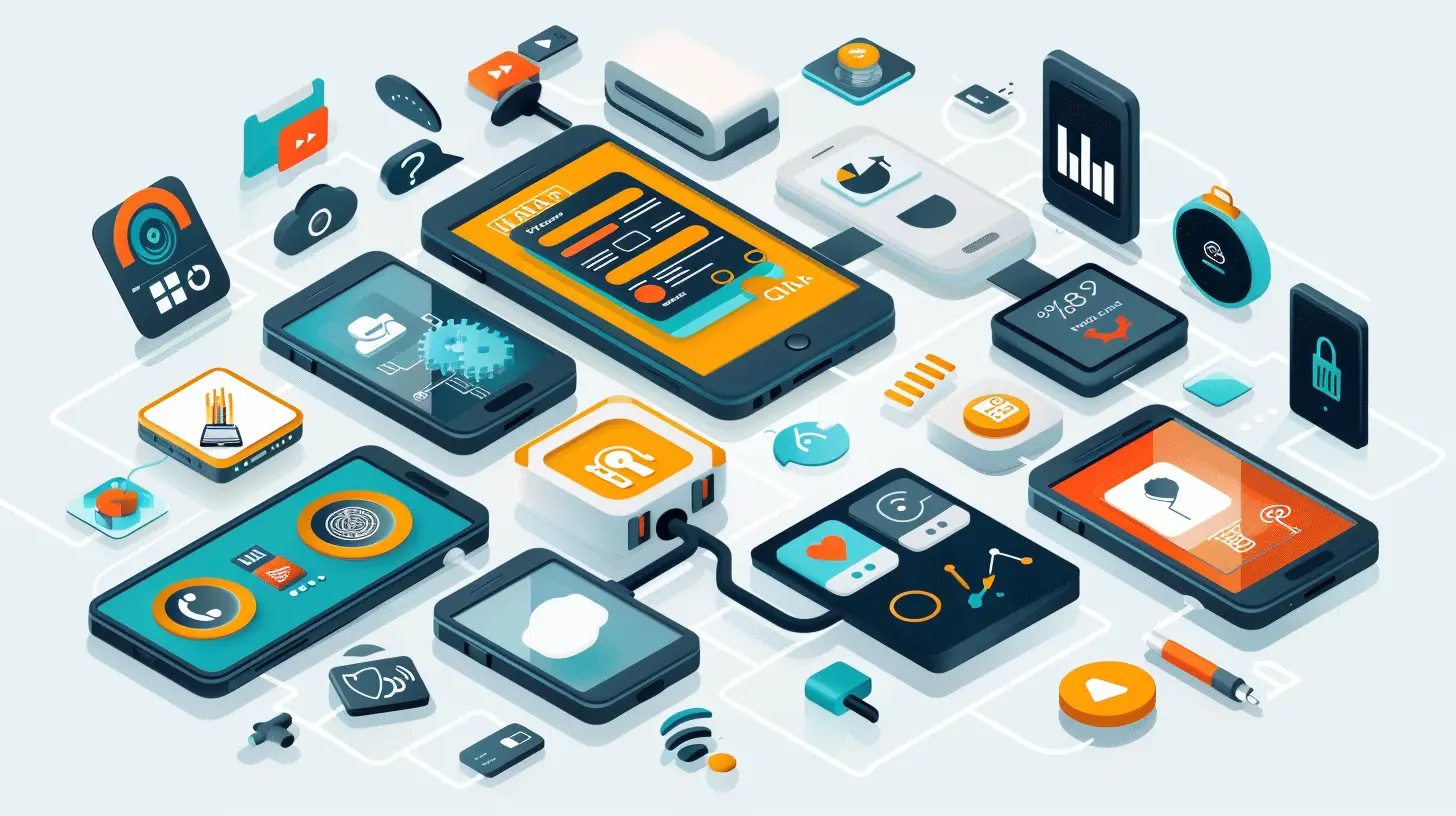
2. Prioritizing Battery Efficiency
Battery life is one of the biggest concerns for wearable devices. These gadgets are small, meaning they have smaller batteries compared to smartphones or tablets. As a developer, you need to make sure your app doesn’t turn into a battery hog.Optimize Background Processes
Wearable apps often rely on background processing to track activity or deliver notifications. But running too many processes in the background can drain the battery fast. Be selective about what your app does when it’s not open.- Use sensors wisely: Wearable devices come with a variety of sensors (heart rate monitors, GPS, etc.), but they’re also power-hungry. Use them sparingly and only when absolutely necessary.
- Leverage cloud computing: Offload as much processing as possible to the cloud. Instead of doing heavy computations on the device, send data to a server and process it there.
Efficient Data Syncing
Wearables often sync data with other devices, like smartphones or cloud services. However, constant syncing can also be a battery drain. Instead of syncing data continuously, consider syncing it at regular intervals or when the user requests it.
3. Utilizing Voice and Gesture Controls
Interacting with tiny screens can be fiddly. That’s why many wearable devices support alternative input methods like voice commands and gesture controls. These can be game-changers for your app, especially for users who are on the move or can't use their hands (imagine trying to interact with your smartwatch while jogging).Voice Commands
Most modern wearable devices come with voice assistants (like Siri on Apple Watch or Google Assistant on Wear OS). By incorporating voice commands into your app, you can make it easier for users to interact hands-free.For example, a user could ask, “What’s my step count today?” and your app should be able to provide the answer without requiring any taps.
Gesture-Based Interactions
Gesture-based controls, like swiping or wrist movements, can also enhance the user experience. For example, rotating your wrist to switch between screens or shaking your hand to dismiss a notification. These interactions feel more intuitive on wearables than they do on smartphones.4. Designing for Context and Personalization
One of the coolest things about wearables is their ability to understand and adapt to the context in which they are used. Wearables are always with the user—whether they’re at the gym, in a meeting, or asleep—so your app can offer highly personalized and contextual experiences.Location and Activity Awareness
Wearable devices often come with built-in GPS and accelerometers, allowing them to detect the user’s location and activity level. You can leverage this data to provide context-aware features.For instance, if you're building a fitness app, it could automatically detect if the user is running, walking, or cycling and adjust the data display accordingly. Or, a weather app could use the user’s location to give hyper-local weather updates.
Personalized User Experience
Wearables are deeply personal devices, and users expect apps to reflect that. Personalization can make your app stand out. Consider integrating features like:- Personalized notifications based on user behavior.
- Customizable watch faces or themes within your app.
- Health apps that adapt based on the user’s goals (e.g., reminding them to move if they’ve been sitting too long).
5. Seamless Integration with Other Devices
Wearables rarely work in isolation. They usually sync with smartphones, tablets, or even other wearables. To deliver a smooth user experience, your app should seamlessly integrate with the entire ecosystem.Cross-Device Syncing
Ensure that your app syncs effortlessly across devices. For example, if someone starts a workout on their smartwatch, they should be able to continue tracking it on their smartphone without missing a beat.Companion Apps
Many wearable apps have companion apps on smartphones that provide a more in-depth, feature-rich experience. For example, a smartwatch app might show the user’s current heart rate, while the companion smartphone app provides detailed health statistics and historical data. Make sure the two apps work together harmoniously.6. Testing and Iteration
Finally, as with any development project, testing is crucial. But testing wearable apps can be a bit trickier than testing smartphone apps. Here are a few things to keep in mind:Test in Real-World Scenarios
Since wearables are often used in active or outdoor environments, make sure you test your app in real-world conditions. Don’t just test it in a lab—take it for a run, wear it while commuting, use it in low-light conditions, and so on.Gather User Feedback
User feedback is invaluable when developing wearable apps. Wearable technology is still relatively new, and user expectations are constantly evolving. Conduct user testing to gather insights into how people are using your app and what improvements they’d like to see.Iterate Quickly
The wearable app market is fast-paced, with new devices and features being released all the time. Be prepared to iterate quickly based on user feedback and new technological developments.
Conclusion
Building apps for wearable devices presents both challenges and opportunities. With smaller screens, limited battery life, and new interaction methods, it's important to design and develop apps that are simple, efficient, and contextually aware. By focusing on minimalistic design, battery optimization, alternative input methods, and seamless integration with other devices, you’ll be well on your way to creating a successful wearable app.Wearables are the future, and the potential is limitless. So, what are you waiting for? Get started building your next great wearable app today!
all images in this post were generated using AI tools
Category:
App DevelopmentAuthor:

Michael Robinson
Discussion
rate this article
2 comments
Yvonne Hurst
This article sparked my curiosity! What are the most common challenges developers face when designing for wearables? I’d love to hear about innovative design solutions that enhance user experience!
April 3, 2026 at 3:06 AM
Michael Robinson
Thank you for your interest! Common challenges include limited screen space, battery life, and user interaction design. Innovative solutions often involve simplified interfaces, adaptive notifications, and context-aware features to enhance user experience.
Caelestis Henderson
Great article! I appreciate the insights on design and development for wearable devices. These tips will definitely help streamline the app-building process. Thank you!
March 15, 2026 at 12:27 PM
Michael Robinson
Thank you for your kind words! I'm glad you found the tips helpful for your app-building process. Happy developing!