How to Safeguard Your Digital Identity in an Increasingly Connected World
23 February 2026
In today’s hyper-connected world, the line between our online and real-life selves is thinner than ever. Think about it—you shop online, bank online, work online, and even socialize online. But with all that convenience comes a serious risk: your digital identity is constantly under threat.
If someone were to hijack your identity, they wouldn’t just be poking around your social media—they could drain your bank account, wreck your credit score, and even impersonate you to commit crimes. Scary, right?
Don’t worry, though. Safeguarding your digital identity doesn’t have to be rocket science. In fact, with a few smart moves and some common sense, you can lock down your online presence and breathe a little easier.
Let’s break it down together.
What Is Digital Identity Anyway?
Before you can protect it, you need to know what it is. Your digital identity is essentially the collection of all your online information—your usernames, passwords, social media posts, email addresses, online purchases, medical records, and even the way you type or move your mouse.Think of it like your online fingerprint. It’s unique to you, and once someone gets hold of it, they can do a lot of damage.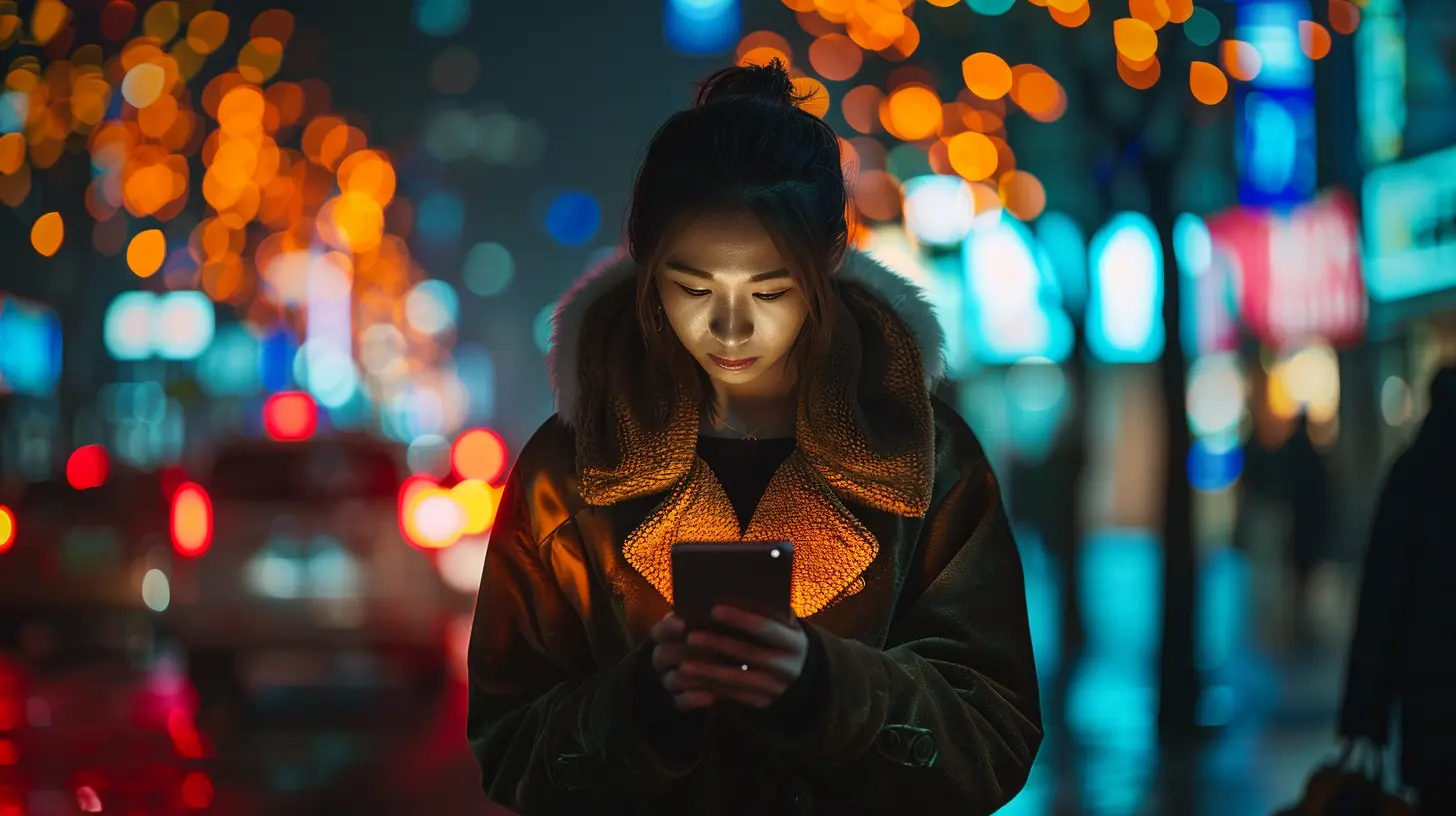
Why Does Digital Identity Matter?
Simple answer: because cybercriminals are after it.There’s a massive black market for stolen data. Hackers use your digital identity to access your personal accounts, steal your money, commit identity fraud, or sell your information to the highest bidder on the dark web.
And it’s not just about money—personal safety, reputation, and peace of mind are at stake too.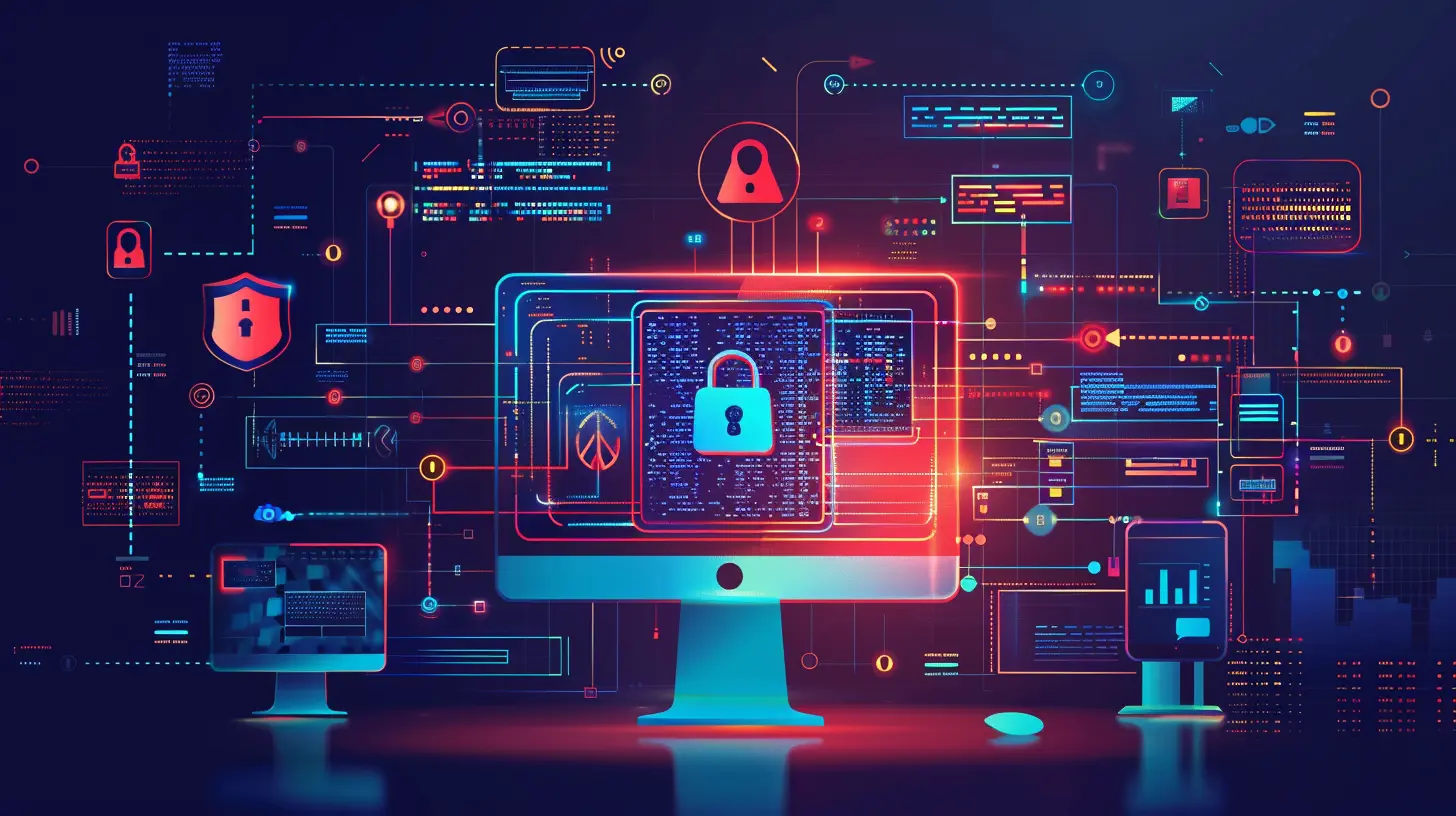
The Biggest Threats to Your Digital Identity
So who’s trying to steal your digital soul? Here are some of the most common culprits:1. Phishing Attacks
Ever gotten a sketchy email from what looks like your bank, Apple, or even Netflix? That’s phishing in action—when scammers pretend to be legit companies to trick you into giving away your credentials.2. Data Breaches
Your data lives in a ton of places—Google, Facebook, health portals, shopping websites. If any of those get breached, your information could be floating around the internet like a message in a bottle.3. Weak Passwords & Reuse
Still using “123456” or “password” for all your logins? That’s like leaving your front door wide open. And if you reuse the same password across sites, a breach on one site can put all your accounts at risk.4. Public Wi-Fi Snooping
Using public Wi-Fi without protection is like having a loud phone call on speaker in a coffee shop—anyone nearby might be listening in.5. Social Engineering
Sometimes, hackers don’t need to be technical at all. They just need to be smooth talkers. Social engineering is all about manipulating people into revealing confidential info.
10 Practical Ways to Safeguard Your Digital Identity
Alright, enough doom and gloom. Let’s talk solutions.1. Use Strong, Unique Passwords for Every Account
Let’s be real—remembering dozens of strong passwords is a pain. But it’s so important. Use a password manager like 1Password or Bitwarden to generate and store strong, unique passwords. That way, you only need to remember one master password.A strong password should be:
- At least 12 characters long
- A mix of letters (upper and lowercase), numbers, and symbols
- Completely unrelated to your name, birthday, or favorite pet
2. Enable Two-Factor Authentication (2FA)
2FA is like adding a deadbolt on top of your regular lock. Even if someone steals your password, they’d still need access to your second factor—like a code sent to your phone—to break in.Apps like Google Authenticator and Authy make this crazy easy to set up.
3. Be Wary of Phishing Emails and Links
Don’t click on random links or download attachments from people you don’t know. And even if the email looks legit, double-check the sender’s address. When in doubt, go directly to the website rather than clicking the link.Quick tip: Hover over the link before you click to preview where it really goes.
4. Avoid Using Public Wi-Fi (At Least, Not Without a VPN)
That free airport Wi-Fi? It might be a hacker’s playground. If you must use public Wi-Fi, use a Virtual Private Network (VPN). It encrypts your traffic so snoopers can't see what you're doing.5. Regularly Monitor Your Accounts
Check your bank statements, credit reports, and online accounts regularly. Look for any unfamiliar charges or login activity. The earlier you catch it, the less damage it can do.Use services like Credit Karma or your bank’s fraud alert system to stay informed.
6. Lock Down Your Social Media Settings
Oversharing on Facebook or Instagram? You might be giving away more than you think—like your birthday, location, or pet’s name (hello, password hint!).Make sure your accounts are private, and be smart about what you share.
7. Keep Your Devices and Software Updated
Those pesky software updates? They're more important than you think. They often fix security holes that hackers love to exploit.Set your devices to auto-update so you’re always protected.
8. Install Security Software
Even if you're cautious, it's smart to have antivirus and anti-malware software watching your back. Tools like Malwarebytes, Norton, or Bitdefender can catch threats before they do damage.9. Use Encrypted Messaging Platforms
Apps like Signal or WhatsApp (which uses end-to-end encryption) are much safer for personal conversations than plain SMS. You never know who might be watching.10. Limit the Info You Share with Apps and Websites
Do you really need to give that mobile game access to your contact list or location? Probably not. Always question what data apps are asking for—and say "no" when you can.Long-Term Habits That Pay Off
Aside from the quick wins, building good digital hygiene habits will keep you safer over the long haul.Be Skeptical By Default
If something feels off—a weird email, an unexpected login notification—don’t ignore it. It’s better to be paranoid than to lose your identity.Educate Yourself Continuously
Cyber threats evolve, and so should you. Stay informed by following trusted tech blogs (like this one), cybersecurity experts on Twitter/X, or signing up for security newsletters.Back That Data Up
Always have a backup of important data—documents, photos, passwords. Use both cloud and external backups. If you ever get hacked or locked out, you’ll be glad you did.What to Do If You Think You’ve Been Compromised
Caught something fishy? Don’t panic, just act fast.1. Change Passwords Immediately – Start with your email and banking accounts.
2. Enable 2FA – If you hadn’t already, now’s the time.
3. Check for Breaches – Use sites like “Have I Been Pwned” to see if your data has been leaked.
4. Contact Your Bank – They can freeze accounts and monitor for fraud.
5. Alert the Authorities – Report identity theft to your local police or identity theft resource centers.
The Future of Digital Identity: What’s Next?
We’re moving toward a world of biometric authentication—think fingerprint scans, facial recognition, retina scans. It’s promising, but no system is foolproof.Blockchain-based ID verification systems are also gaining traction. These decentralized IDs could give you more control over your info and make identity theft a lot harder.
Still, until these become mainstream, the best defense is your vigilance.
Final Thoughts
At the end of the day, safeguarding your digital identity is a bit like brushing your teeth. Do it regularly, do it right, and you’ll avoid some serious pain down the road.The internet isn’t going anywhere, and neither are hackers—but with the right mindset and a few smart habits, you can stay ahead of the game.
So, take a moment today—tighten up those passwords, turn on 2FA, and question everything shady. Your digital self will thank you.
all images in this post were generated using AI tools
Category:
CybersecurityAuthor:

Michael Robinson
Discussion
rate this article
2 comments
Devin McClellan
In today’s hyper-connected world, protecting your digital identity is crucial. Simple steps like using strong passwords, enabling two-factor authentication, and being cautious with personal information can significantly enhance your online safety. Stay vigilant and informed!
March 22, 2026 at 5:45 AM
Michael Robinson
Thank you for emphasizing the importance of digital identity protection! Simple yet effective steps can indeed make a significant difference in our online safety. Stay safe!
Melissa McAlister
This article beautifully underscores the importance of protecting our digital identities. In a world where we're constantly connected, prioritizing our online safety is crucial. Thank you for offering such valuable insights and practical tips to navigate these challenges.
February 24, 2026 at 3:51 AM
Michael Robinson
Thank you for your kind words! I'm glad you found the insights valuable. Protecting our digital identities is indeed more important than ever.