How to Take Better Landscape Photos with Your Digital Camera
23 July 2026
Landscape Photography
Let’s face it—snapping a great landscape photo isn’t as easy as just pointing your camera at a breathtaking view and clicking the shutter. If that were the case, we’d all be Ansel Adams by now! But don’t worry, with a few tricks up your sleeve, you can significantly improve your landscape photography game.
Ready to capture the world in all its jaw-dropping glory? Let’s dive in!
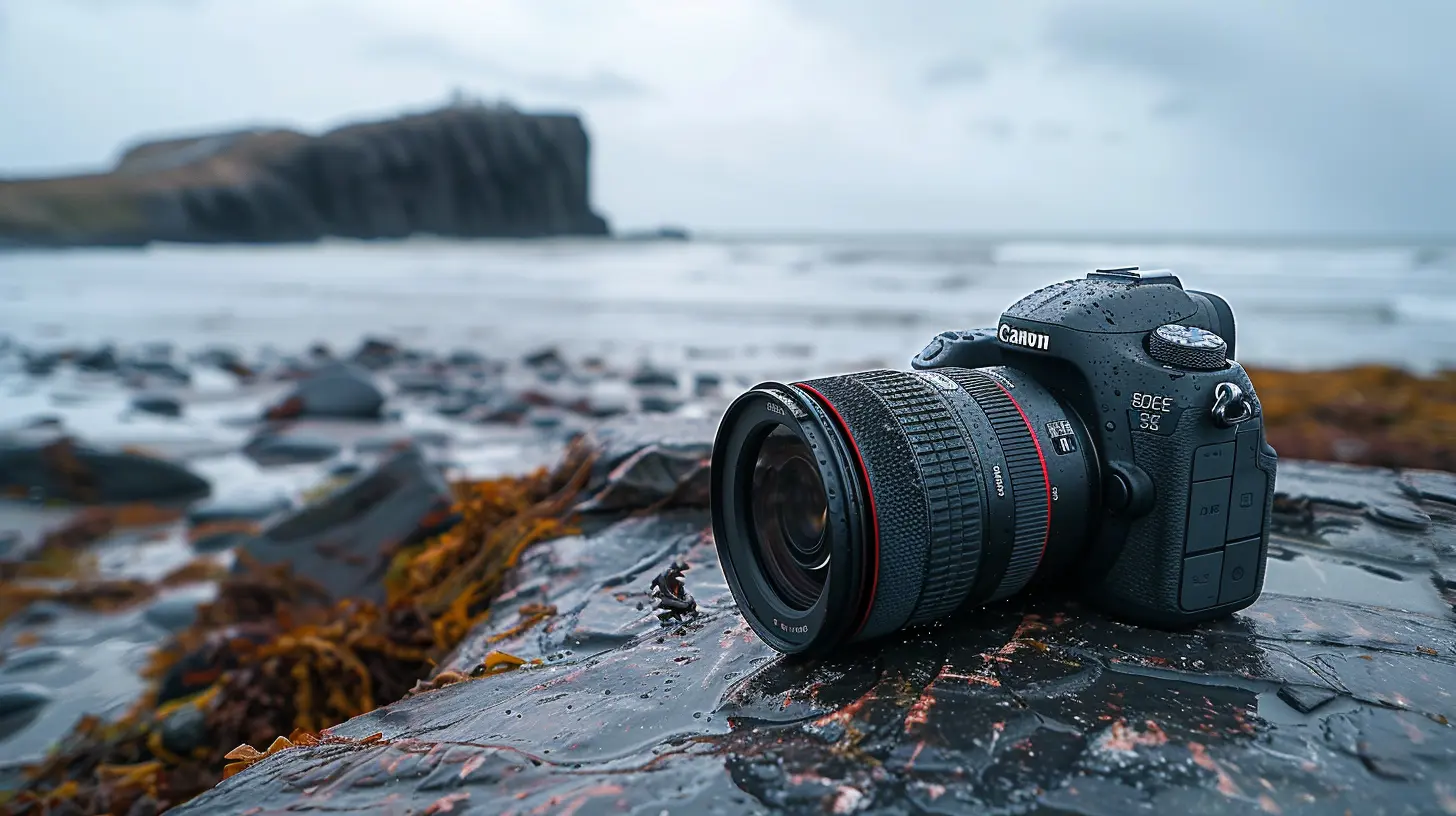
1. Use the Right Camera Settings
First things first—ditch the auto mode. It’s time to take control! If you’re serious about landscape photography, shooting in manual mode or at least aperture priority mode (A or Av) gives you more flexibility.Here’s what to tweak:
- Aperture (f/stop): Use a small aperture (high f-number like f/8 to f/16) to keep the entire landscape in focus.
- ISO: Keep it low (ISO 100-200) to avoid grainy images.
- Shutter Speed: Adjust according to lighting conditions, but keep an eye on motion blur if it’s too slow.
- Focus: Use manual focus or infinity focus for distant landscapes.
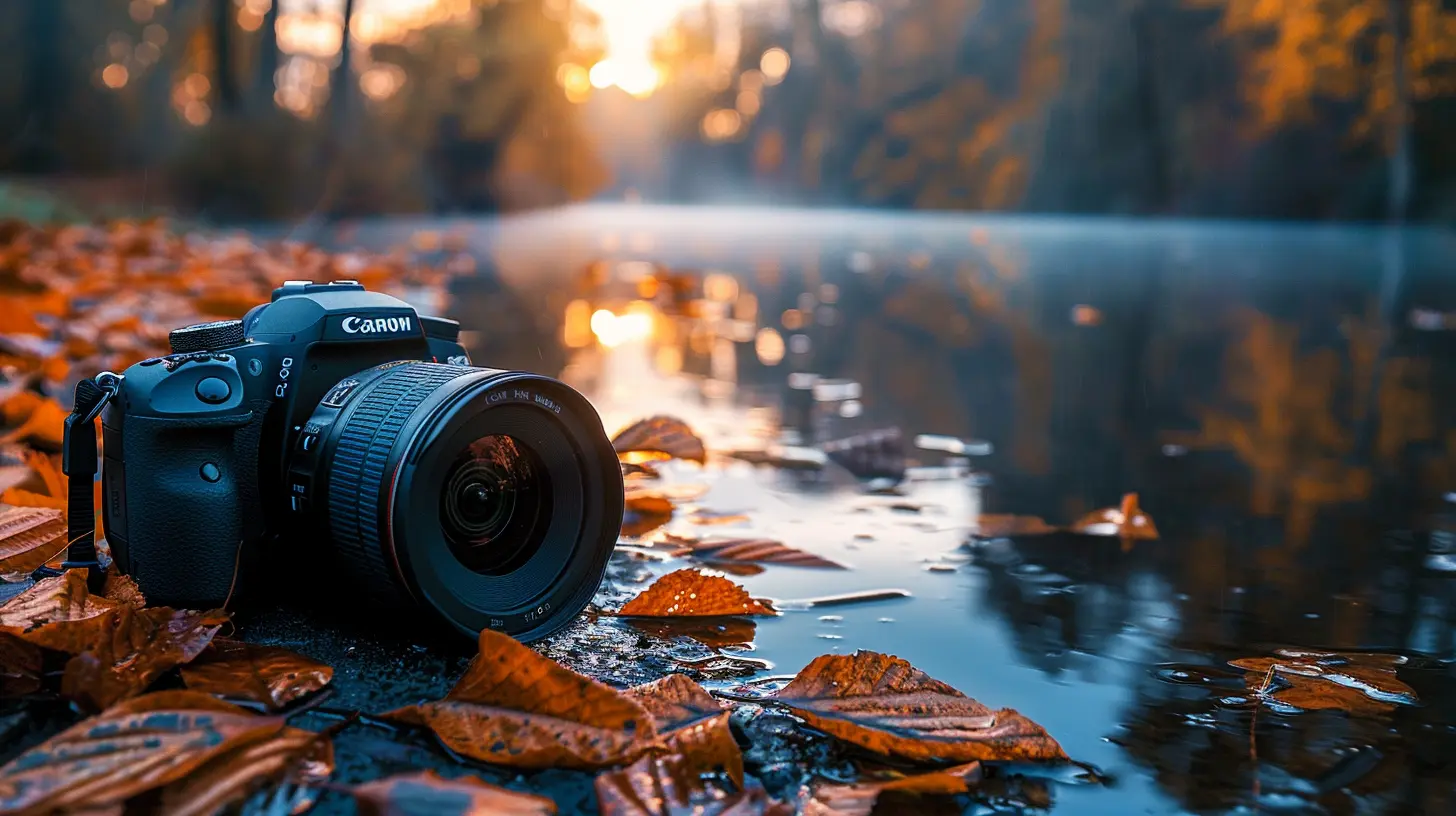
2. Pay Attention to Composition
A stunning landscape shot isn’t just about what’s in the frame—it’s how it’s framed. Composition is the secret sauce that turns a mediocre shot into a masterpiece.Rule of Thirds: Your Best Friend
Ever heard of the rule of thirds? Imagine your frame divided into nine equal sections by two horizontal and two vertical lines. Place key elements along these lines or at the intersections for a naturally balanced shot.Leading Lines
Roads, rivers, fences—nature is full of leading lines! These elements guide the viewer’s eye through the image, adding depth and perspective.Foreground Interest
A great landscape shot isn’t just about the mountains in the background. Adding a strong foreground element—a rock, tree, or even a lone hiker—helps create depth and makes the image more engaging.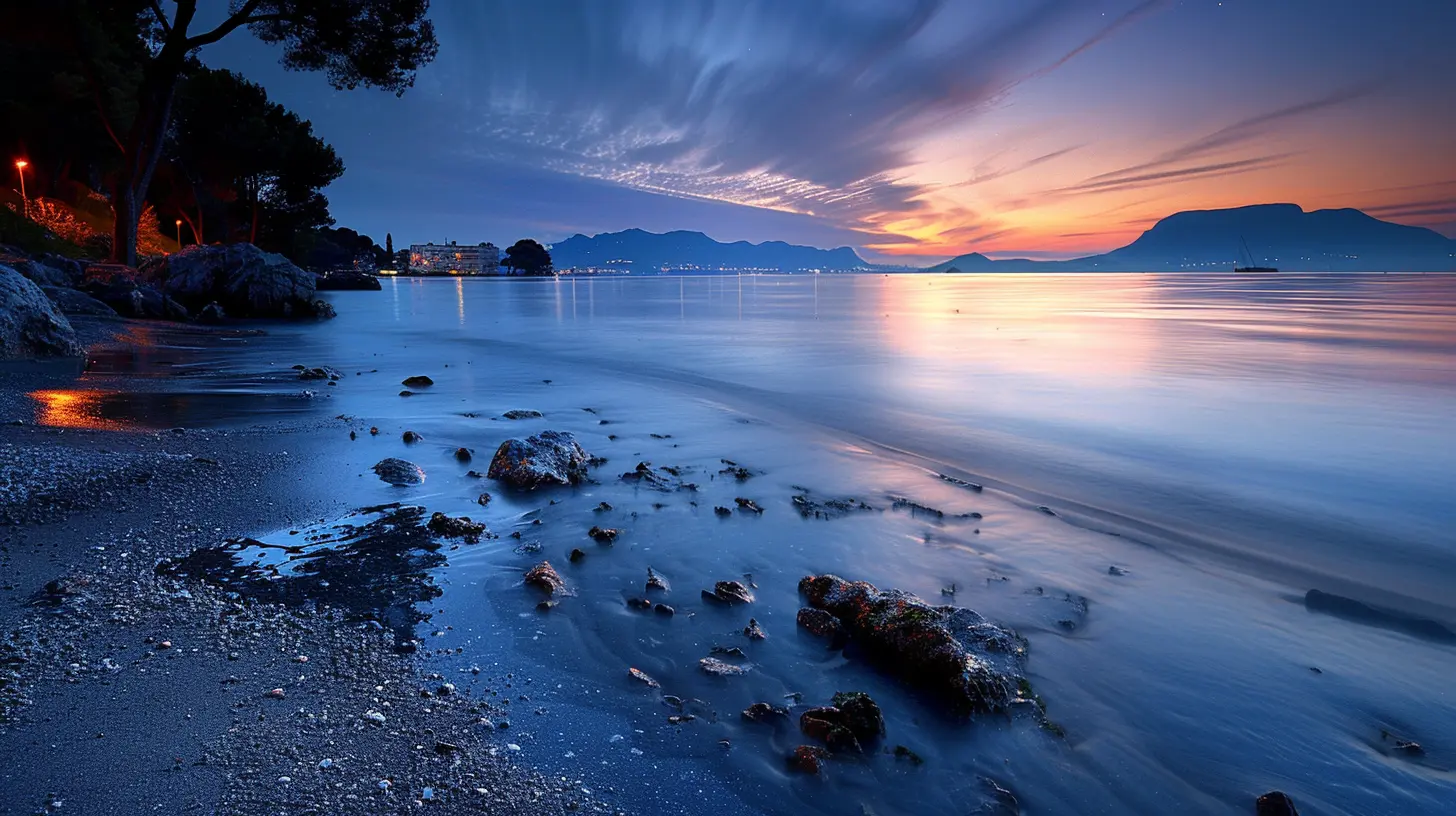
3. Shoot During the Golden Hours
Ever noticed how landscapes look meh in harsh midday sunlight? That’s because the best lighting happens during the golden hours—the hour after sunrise and the hour before sunset.Why?
- The light is softer and more diffused.
- Shadows add texture and depth.
- The sky often explodes with warm, beautiful hues.
If you’re not a morning person, this is your excuse to wake up early. Trust me, it’s worth it!
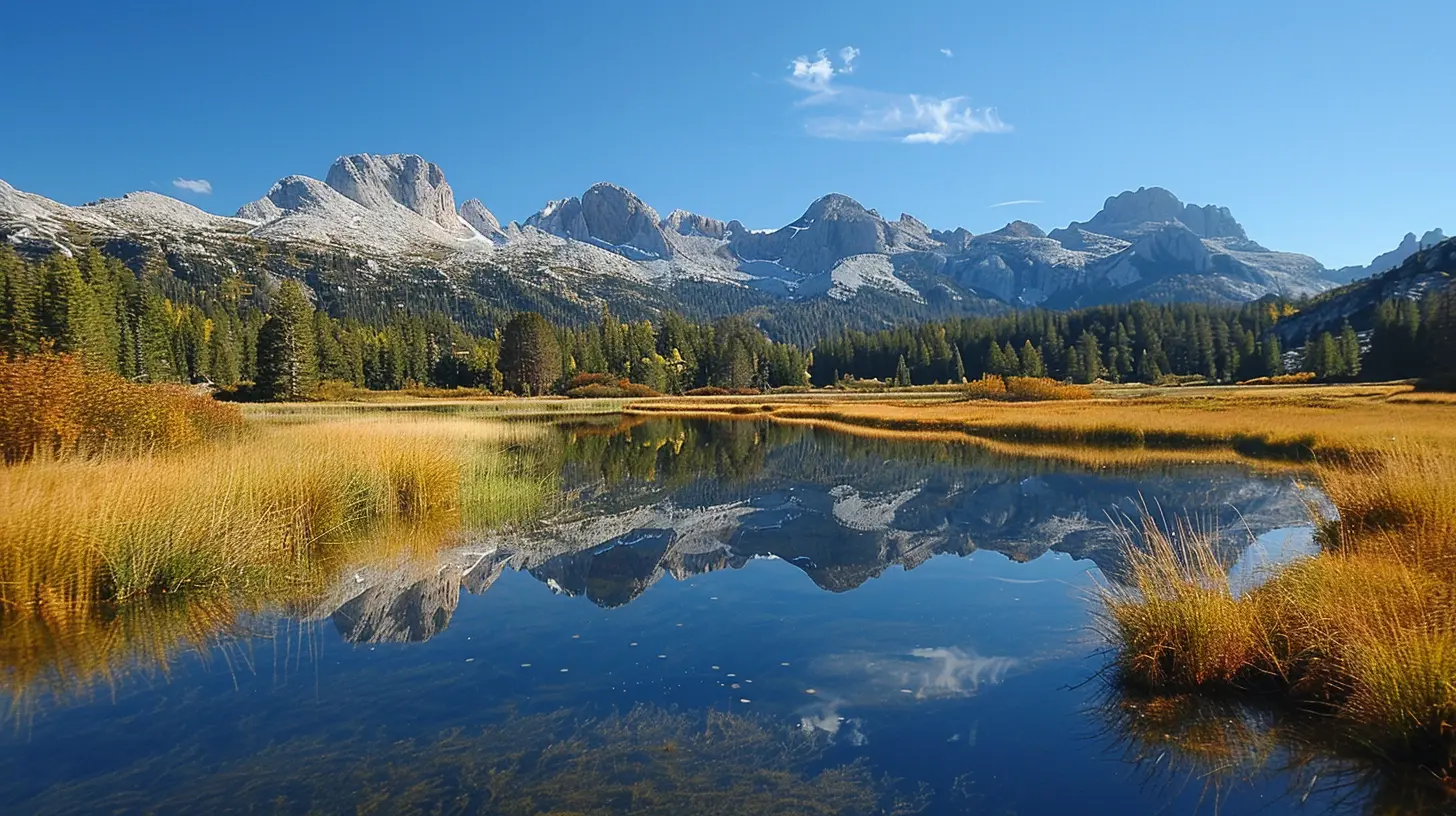
4. Use a Tripod for Sharp Images
Want crisp, sharp shots? A tripod is your best friend. It stabilizes your camera, preventing motion blur, especially in low-light conditions when you’re using longer shutter speeds.Pro tip: Use a remote shutter release or timer mode to avoid even the slightest shake when pressing the shutter button.
5. Master the Art of HDR Photography
Landscapes often have a huge dynamic range—bright skies and dark shadows. That’s where HDR (High Dynamic Range) photography comes in.How to do it:
1. Take multiple shots of the same scene at different exposures.
2. Merge them in post-processing using Photoshop or Lightroom.
3. Adjust the contrast and exposure to keep the details balanced.
Just don’t go overboard! Over-processed HDR can look unnatural.
6. Play with Filters
Filters aren’t just for Instagram! In landscape photography, they can make a world of difference.- Polarizing Filters: Reduce glare and make skies pop with richer blues.
- Neutral Density (ND) Filters: Allow for long exposures even in bright conditions—perfect for capturing silky waterfalls.
- Graduated ND Filters: Balance exposure between bright skies and darker landscapes.
If you’re serious about leveling up, investing in a good set of filters is a game-changer.
7. Capture Movement
Landscapes don’t have to be static! Incorporating motion—flowing water, moving clouds, swaying trees—can add an artistic touch.For silky smooth water or dreamy cloud effects, use a slow shutter speed (e.g., 1/2 sec to 30 sec) and, of course, a tripod to keep everything else sharp.
8. Don't Forget About the Sky
A dull, washed-out sky can ruin an otherwise great shot. If the sky looks boring, try these tricks:- Frame your shot to include more foreground elements.
- Use a polarizing filter to deepen colors.
- Wait for a more dramatic sky—clouds can add drama!
- Consider composite editing (blending different skies in post-processing).
If Mother Nature isn’t cooperating, a little creativity can go a long way.
9. Shoot in RAW Format
JPEGs are fine for everyday snaps, but if you want maximum image quality and editing flexibility, shoot in RAW.RAW files:
- Capture more detail.
- Allow better control over exposure and color grading.
- Help recover highlights and shadows without quality loss.
Yes, they take up more space, but the editing possibilities? Totally worth it.
10. Post-Processing Like a Pro
Even the best-shot landscapes can benefit from a little post-processing magic. Programs like Adobe Lightroom and Photoshop allow you to adjust:- Exposure and contrast
- Colors and saturation
- Sharpness and clarity
- Noise reduction
Just remember—less is more. Over-editing can make your photos look artificial. Keep it natural!
Final Thoughts
Great landscape photography isn’t just about having an expensive camera—it’s about understanding light, composition, and camera settings. With practice, patience, and a bit of creative flair, you’ll be snapping breathtaking landscapes in no time!So, what are you waiting for? Grab your camera, hit the great outdoors, and start capturing the world just the way you see it!
all images in this post were generated using AI tools
Category:
Digital CamerasAuthor:

Michael Robinson