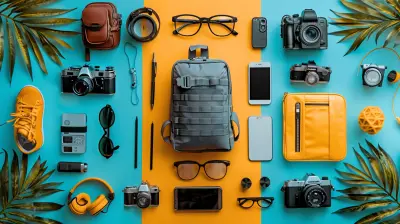
A Beginner’s Guide to Understanding ISO, Shutter Speed, and Aperture
10 June 2026
Photography is an incredible art that allows us to freeze moments, tell stories, and capture beauty in ways words can’t. But if you're just getting started, the technical jargon can seem overwhelming. ISO? Shutter speed? Aperture? What do they even mean, and why should you care?
Well, don't worry—I’ve got you! In this beginner-friendly guide, we'll break down the three pillars of photography: ISO, shutter speed, and aperture. By the end, you’ll have a solid understanding of how these settings work together to create stunning images. Let’s dive in! 
Understanding the Exposure Triangle
Before we talk about ISO, shutter speed, and aperture individually, it's important to understand that they all work together to control how much light enters your camera. This is often referred to as the Exposure Triangle.Think of it like a recipe. Each setting—the ISO, shutter speed, and aperture—affects the final dish (your photo). Adjust one, and you’ll need to tweak the others to maintain the perfect balance.
Now, let’s break them down one by one. 
What Is ISO?
ISO measures your camera sensor's sensitivity to light. It’s represented by numbers like 100, 200, 400, 800, and higher.- Low ISO (e.g., 100 or 200) → Less sensitivity to light, resulting in cleaner and sharper images with minimal noise (grain).
- High ISO (e.g., 800, 1600, 3200, or more) → More sensitivity to light, allowing you to shoot in darker conditions but introducing grain/noise.
When Should You Adjust ISO?
- Bright daylight? Keep ISO low (100-200).- Indoors or at night? Increase ISO (800+), but beware of grain.
- Shooting fast-moving subjects in dim light? Boost ISO to maintain a fast shutter speed.
? Pro Tip: Always try to keep your ISO as low as possible for the best image quality. Only increase it when absolutely necessary. 
What Is Shutter Speed?
Shutter speed controls how long your camera’s sensor is exposed to light. It’s measured in fractions of a second, like 1/100, 1/500, 1/1000, or even slower speeds like 1/30 or 1/10.- Fast shutter speed (1/500 or higher) → Freezes motion (great for sports and wildlife).
- Slow shutter speed (1/30 or lower) → Creates motion blur (ideal for long exposures, waterfalls, and night photography).
When Should You Adjust Shutter Speed?
- Want to freeze action? Use a fast shutter speed (e.g., 1/1000 for sports).- Shooting in low light without a tripod? Use a speed of at least 1/60 to avoid blur.
- Capturing silky smooth waterfalls or car light trails? Use a slow shutter speed (e.g., 1” or slower) and a tripod.
? Pro Tip: If your shutter speed is too slow, any small hand movements can blur your photo. A good rule of thumb? Use a shutter speed at least 1/focal length of your lens to minimize shake. 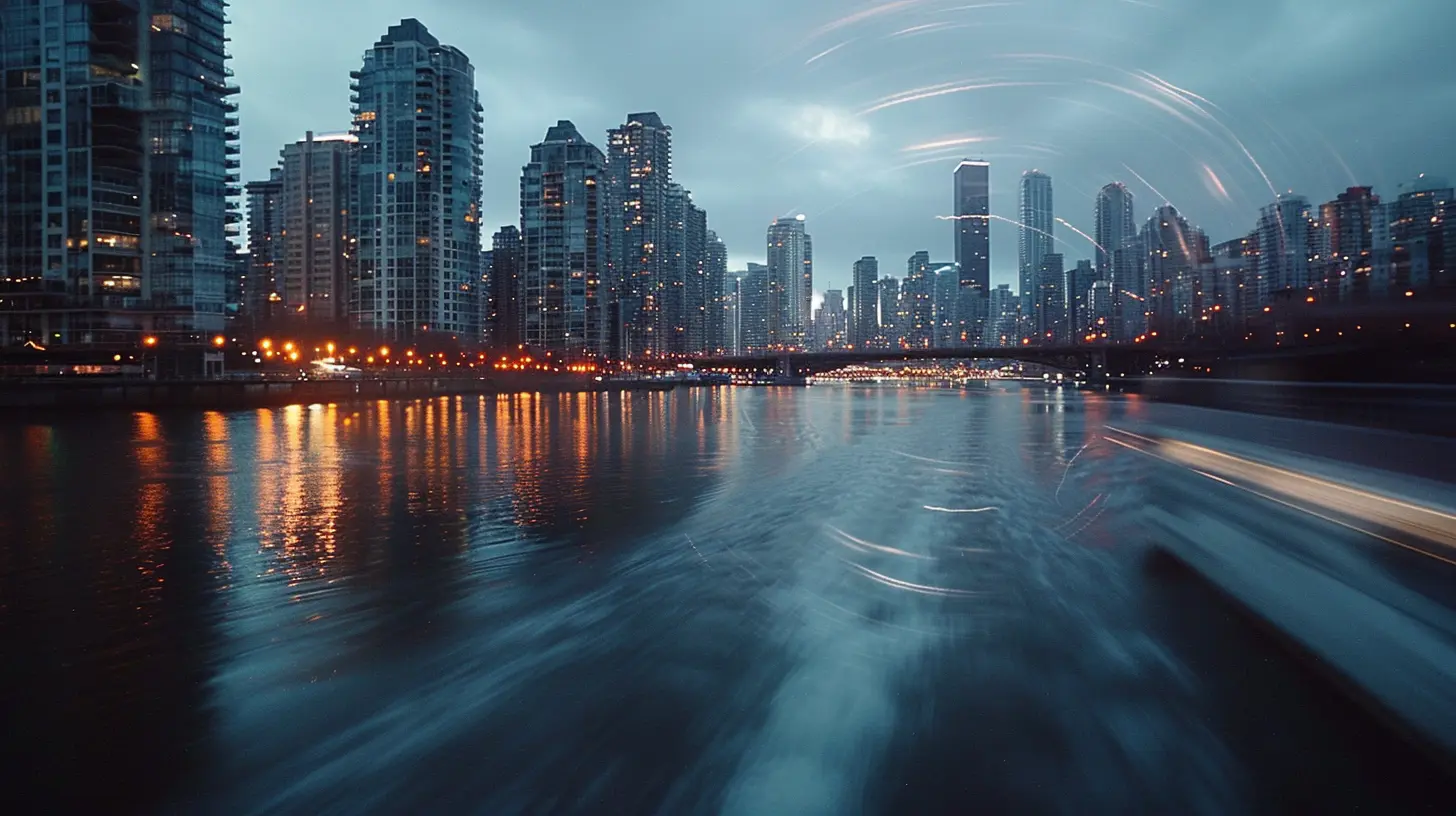
What Is Aperture?
Aperture controls how much light enters your camera lens. It’s measured in f-stops, such as f/1.8, f/2.8, f/4, f/8, f/11, and so on.- Wide aperture (small f-number, e.g., f/1.8 or f/2.8) → More light enters, background gets blurred (great for portraits).
- Narrow aperture (large f-number, e.g., f/11 or f/16) → Less light enters, more of the scene stays sharp (perfect for landscapes).
When Should You Adjust Aperture?
- Want a creamy, blurred background? Use a wide aperture (f/1.8 - f/2.8).- Photographing a landscape or group of people? Use a narrower aperture (f/8 - f/16) to keep everything sharp.
- Shooting in low light? A wide aperture helps bring in more light.
? Pro Tip: A wider aperture not only lets in more light but also improves background blur, making your subject pop beautifully.
How ISO, Shutter Speed, and Aperture Work Together
Now that you understand these three settings individually, let’s see how they interact.Scenario 1: Bright, Sunny Day
- ISO: 100- Shutter Speed: 1/500 (to freeze motion)
- Aperture: f/11 (to keep everything sharp)
Scenario 2: Low Light Indoors Without Flash
- ISO: 800 or higher- Shutter Speed: 1/60 (to avoid motion blur)
- Aperture: f/2.8 (to let in more light)
Scenario 3: Night Photography / Long Exposure
- ISO: 100-400- Shutter Speed: Several seconds (to capture light trails or stars)
- Aperture: f/8 - f/16 (to maintain sharpness)
Each time you adjust one setting, you’ll need to balance the others. If you increase your shutter speed to capture action, you may need to raise ISO or widen your aperture to maintain exposure.
Practical Tips for Beginners
1. Start with Aperture Priority Mode (A or Av) – This lets you control aperture while the camera adjusts shutter speed automatically. Great for learning depth of field!2. Use Shutter Priority Mode (S or Tv) – If you're shooting action, select your shutter speed, and the camera will adjust the aperture.
3. Keep an Eye on the Exposure Meter – Your camera has an exposure indicator to help you know if you’re over- or underexposed. Aim for balanced exposure.
4. Experiment, Experiment, Experiment! – The best way to learn is by practicing. Try different settings and see how they affect your images.
Conclusion
Understanding ISO, shutter speed, and aperture might seem tricky at first, but once you start practicing, it’ll all click into place. These three settings are the foundation of photography, and mastering them will give you full creative control over your shots.So grab your camera, get outside, and start experimenting. Every great photographer started as a beginner—what matters is that you keep shooting and keep learning. The more you practice, the better your instincts will become, and soon enough, adjusting your settings will feel like second nature.
Happy shooting!
all images in this post were generated using AI tools
Category:
Digital CamerasAuthor:

Michael Robinson
Discussion
rate this article
1 comments
Finnian Carrillo
Great read! Understanding ISO, shutter speed, and aperture opens up a whole new world in photography. Dive in and let your creativity shine... happy shooting!
June 11, 2026 at 11:15 AM