How Gaming Hardware Affects Performance in Esports
22 May 2026
If you’re serious about esports, you already know it's not just about skill anymore. Sure, being a top-tier gamer requires lightning-fast reflexes, mental sharpness, and a deep understanding of the game. But let’s be real—your gaming hardware can make or break your performance in a competitive match. Imagine being in a high-stakes tournament, and your system lags just as you’re about to land that winning shot. Frustrating, right? That’s why having the right gaming setup is more crucial than ever in esports.
In this article, we’ll dive deep into how gaming hardware directly affects your performance in esports. From frame rates to peripherals, each piece of hardware can have a significant impact on your gameplay. Let’s get into it!

The Role of Frame Rates (FPS) in Esports Performance
When it comes to gaming, frame rates are king. FPS (Frames Per Second) determines how smoothly the game runs. Ever noticed how a game feels choppy or sluggish when your FPS dips? In esports, where reaction time is everything, that could mean the difference between a win and a loss.Why FPS Matters
In esports, particularly fast-paced games like CS:GO, Valorant, or Fortnite, every split second counts. Higher frame rates allow for smoother gameplay, which means you can react faster to in-game events. If your FPS drops, you might experience input lag, causing your actions to feel delayed. Imagine trying to snipe an opponent, but the game stutters just as you pull the trigger. That’s a nightmare scenario for any competitive player.Hardware That Affects FPS
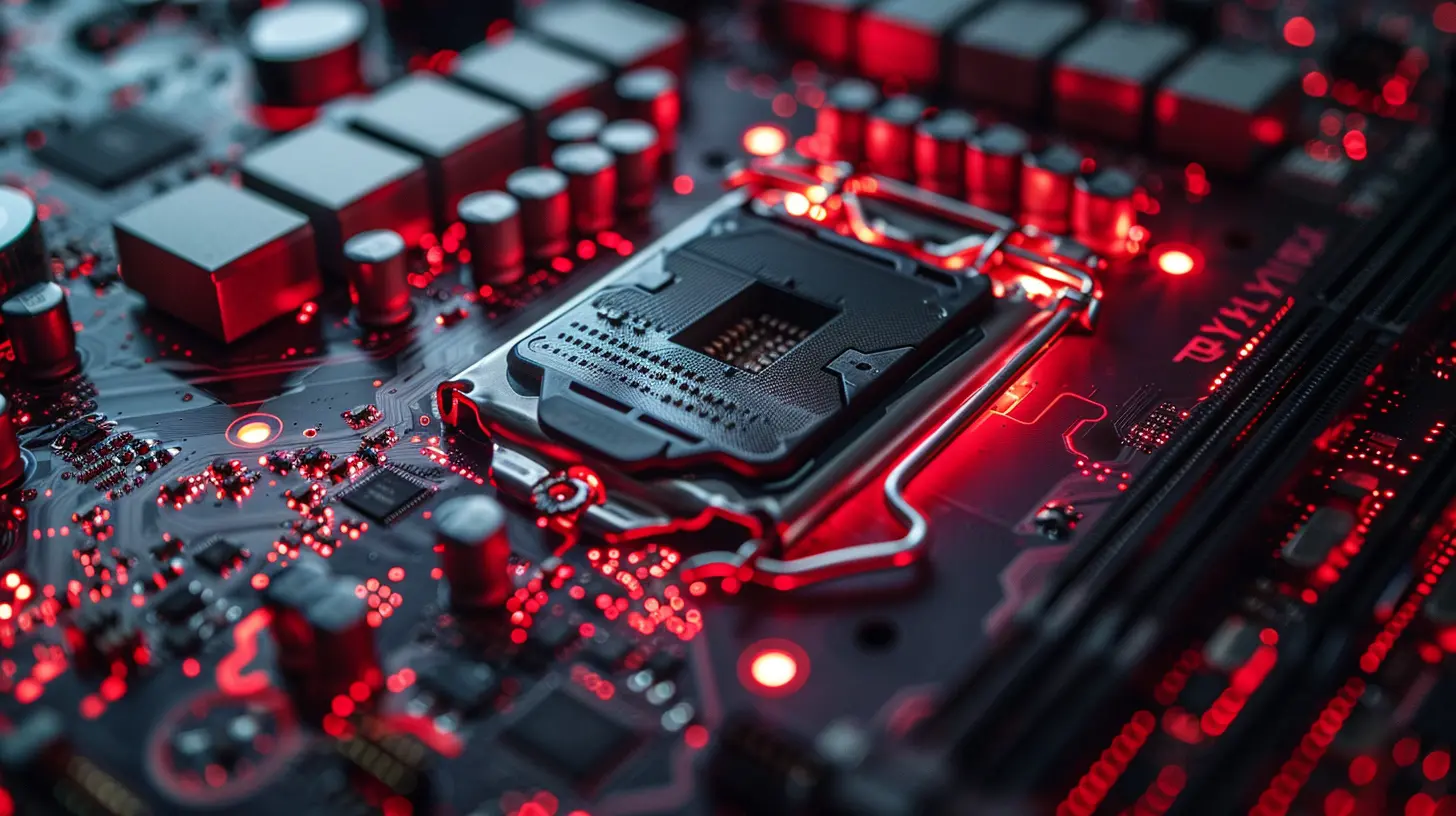
1. Graphics Card (GPU): This is the heart of your gaming PC when it comes to rendering visuals. A high-performance GPU like the NVIDIA RTX 3080 or AMD Radeon RX 6800 XT can pump out high frame rates even in demanding games. The more powerful your graphics card, the higher and more consistent your FPS will be, especially at higher resolutions.2. Processor (CPU): While the GPU does the heavy lifting in generating visuals, the CPU handles a lot of behind-the-scenes work like game logic, physics, and AI. A fast processor like the Intel i9-13900K or AMD Ryzen 9 7950X ensures that your game doesn’t bottleneck, especially in CPU-intensive titles like StarCraft II or Total War.
3. RAM: If you're running low on memory, your system will struggle to keep up with the game’s data needs, causing stutters and FPS drops. Aim for at least 16GB of RAM, though 32GB is becoming the norm for top-tier esports setups.
Monitor Refresh Rates: Seeing is Believing
You might have the fastest reflexes in the world, but if your monitor can’t keep up, it won't matter. The refresh rate of your monitor is how often the screen updates with new images per second, measured in Hertz (Hz). A higher refresh rate means smoother visuals and, ultimately, a better gaming experience.144Hz vs. 240Hz vs. 360Hz
Most standard monitors have a 60Hz refresh rate, but for esports, that's way too low. Competitive gamers these days often use monitors with refresh rates of 144Hz or even 240Hz—and now, we’re seeing 360Hz monitors entering the market.- 144Hz: This is a great starting point for competitive gaming. With smoother visuals, you’ll notice a big difference compared to a 60Hz monitor, especially in fast-paced titles like Overwatch.
- 240Hz: For those who want to take their game to the next level, a 240Hz monitor offers even smoother action. You'll be able to react faster to what’s happening on screen, giving you an edge over competitors.
- 360Hz: If you’re a hardcore esports pro, a 360Hz monitor might be worth investing in. While the difference between 240Hz and 360Hz might not be night and day, every little advantage counts in esports.
Don’t Forget Response Time
A monitor’s response time is how quickly a pixel can change from one color to another. Lower response times (measured in milliseconds) reduce motion blur, which is especially important in fast-moving games. For competitive gaming, look for a response time of 1ms or lower.
Input Devices: When Milliseconds Matter
Your keyboard, mouse, and even your controller can have a massive impact on your gaming performance. In esports, input latency—the delay between your action and the game’s response—is something you want to minimize as much as possible.Gaming Mice: Precision Matters
Accuracy is everything when it comes to first-person shooters (FPS), so your mouse needs to be up to the task. A gaming mouse with a high DPI (Dots Per Inch) allows for more precise movements. But, it’s not just about DPI; the quality of the sensor also matters. An optical sensor is generally preferred over a laser sensor for its precision and consistency.Also, consider the weight of the mouse. Some players prefer lightweight mice for quick movements, while others like heavier mice for stability. It all depends on your personal preference, but the key is finding a mouse that feels comfortable and responsive in your hand.
Mechanical Keyboards: Tactile Feedback
When you’re in the heat of a match, you need every keystroke to count. That’s where mechanical keyboards come in. Compared to membrane keyboards, mechanical keyboards offer superior tactile feedback, meaning you’ll know exactly when a key has been pressed. This can be a game-changer in competitive games where precision is critical.Look for a keyboard with fast actuation and anti-ghosting features to ensure that every keypress registers, even during intense moments.
Controllers: The Console Gamers’ Weapon
For console esports like Rocket League or FIFA, the controller is the weapon of choice. The quality of the controller’s thumbsticks, triggers, and buttons can directly impact your gameplay. Some pro players even use modified or “pro” controllers with features like customizable paddles and trigger stops to gain an edge.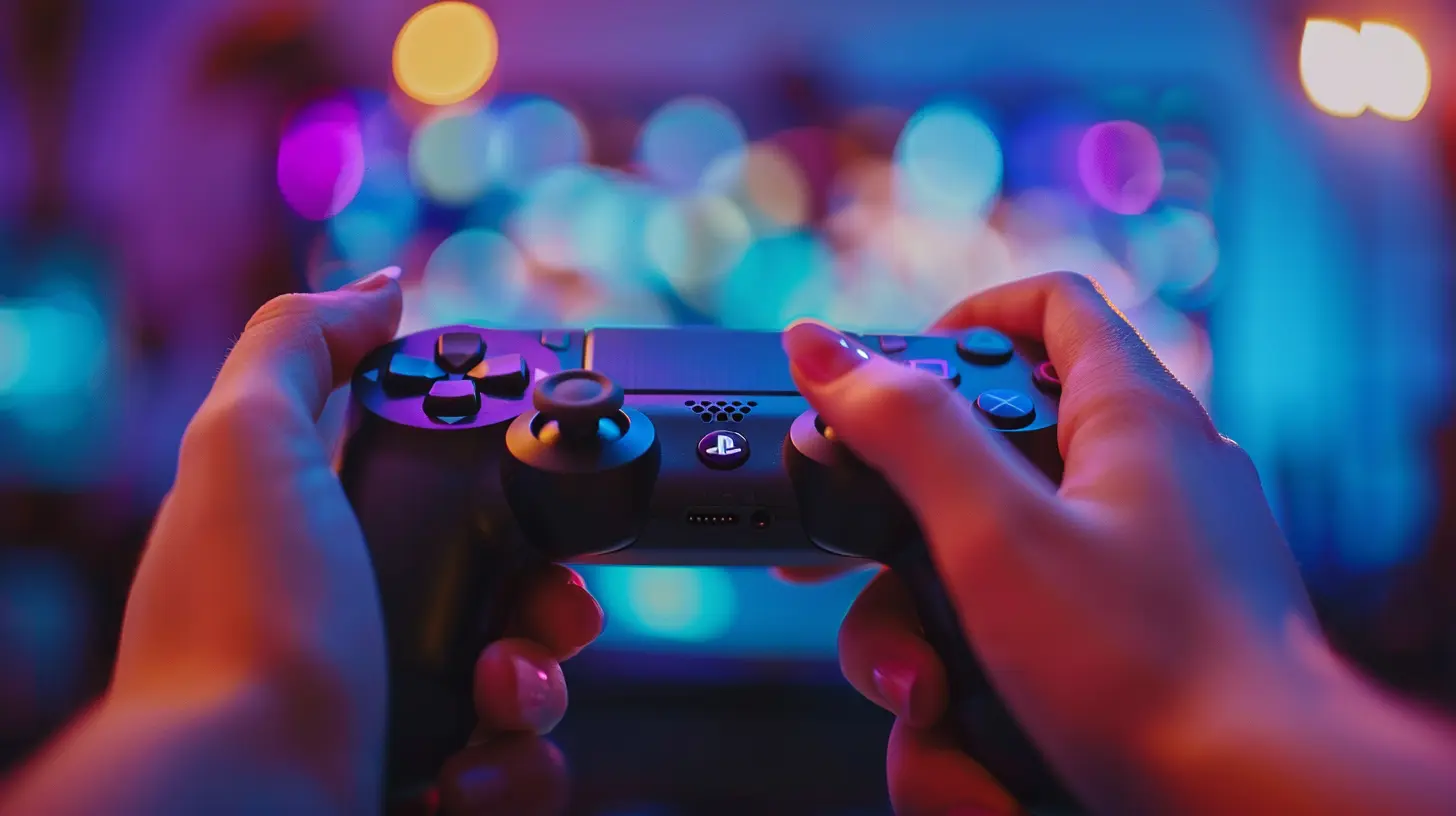
Audio: Hearing Your Enemies Before They Hear You
In competitive gaming, sound is just as important as visuals. Being able to hear an enemy’s footsteps or the direction of gunfire can give you the upper hand. That’s where a good gaming headset comes in.Surround Sound
Surround sound headsets (7.1 virtual surround) can give you a 360-degree audio perspective, allowing you to hear where enemies are coming from. This is particularly important in games like Rainbow Six Siege or PUBG, where situational awareness can be the difference between life and death.Latency-Free Audio
Latency is the delay between what happens in-game and when you hear it. Wired headsets generally have lower latency than wireless ones, making them the preferred choice for competitive gamers. However, some high-end wireless headsets have become so advanced that their latency is almost negligible.Network: The Silent Killer of Performance
You could have the best gaming PC in the world, but if your internet connection isn’t up to par, you’re still going to struggle. Lag can ruin an otherwise perfect gaming experience, especially in online esports matches.Wired vs. Wireless Connections
For competitive gaming, always opt for a wired Ethernet connection over Wi-Fi. Wired connections are more stable and offer lower latency, which is crucial in high-stakes matches. If you must use Wi-Fi, make sure you’re using a high-end router with low-latency features, and try to minimize interference from other devices.Ping and Latency
Your ping is the time it takes for data to travel from your device to the game server and back. Lower ping means less delay, which is what you want in competitive gaming. A ping of 20ms or lower is ideal for esports, while anything above 100ms can make the game feel sluggish and unresponsive.
Overclocking: Squeezing Out Every Last Drop of Performance
If you’ve already got top-tier hardware but still want more performance, overclocking might be the answer. Overclocking involves pushing your CPU, GPU, or RAM beyond its factory settings to get more speed. While this can give you a performance boost, it also comes with risks like overheating or system instability. Make sure you have proper cooling solutions in place if you're going down this route.Conclusion: The Hardware Edge
At the end of the day, gaming hardware is more than just flashy gear—it’s a critical part of esports performance. From ensuring smooth frame rates with a powerful GPU to improving reaction times with a high-refresh-rate monitor, every piece of hardware in your setup can give you an edge over your competition.But remember, hardware can only take you so far. It’s your skill, dedication, and practice that will ultimately determine your success in esports. However, when the margins are so thin, having the right gear can give you that extra boost you need to come out on top.
So, if you’re looking to up your game, take a good hard look at your setup. You might find that upgrading your hardware is the key to unlocking your full potential in esports.
all images in this post were generated using AI tools
Category:
EsportsAuthor:

Michael Robinson
Discussion
rate this article
1 comments
Rocket McDermott
This article sheds light on a crucial aspect of esports. Understanding how gaming hardware impacts performance is key for players looking to gain an edge. As technology evolves, staying informed will help gamers adapt and enhance their skills for competitive success.
June 5, 2026 at 2:59 AM
Michael Robinson
Thanks for your insight! You're absolutely right-knowing how hardware influences performance can really make a difference for gamers aiming to improve.