How to Create a Mobile Office with Travel-Friendly Gear
15 August 2026
So, you love the freedom of being on the go, right? Maybe you're a digital nomad, a remote worker, or a wanderlust-filled entrepreneur itching to swap your cubicle for a café in Paris or a beach in Bali. Well, you’re not alone.
In the age of remote work, creating a mobile office is no longer a luxury—it’s a necessity. But here’s the kicker: You can’t just throw your laptop in a backpack and call it a day. Nope. Creating a truly mobile and functional office takes a bit of planning, the right mindset, and yes, the right gear.
So grab a cup of coffee, sit back, and let’s walk through how you can build your mobile office with travel-friendly gear that keeps you productive no matter where you are.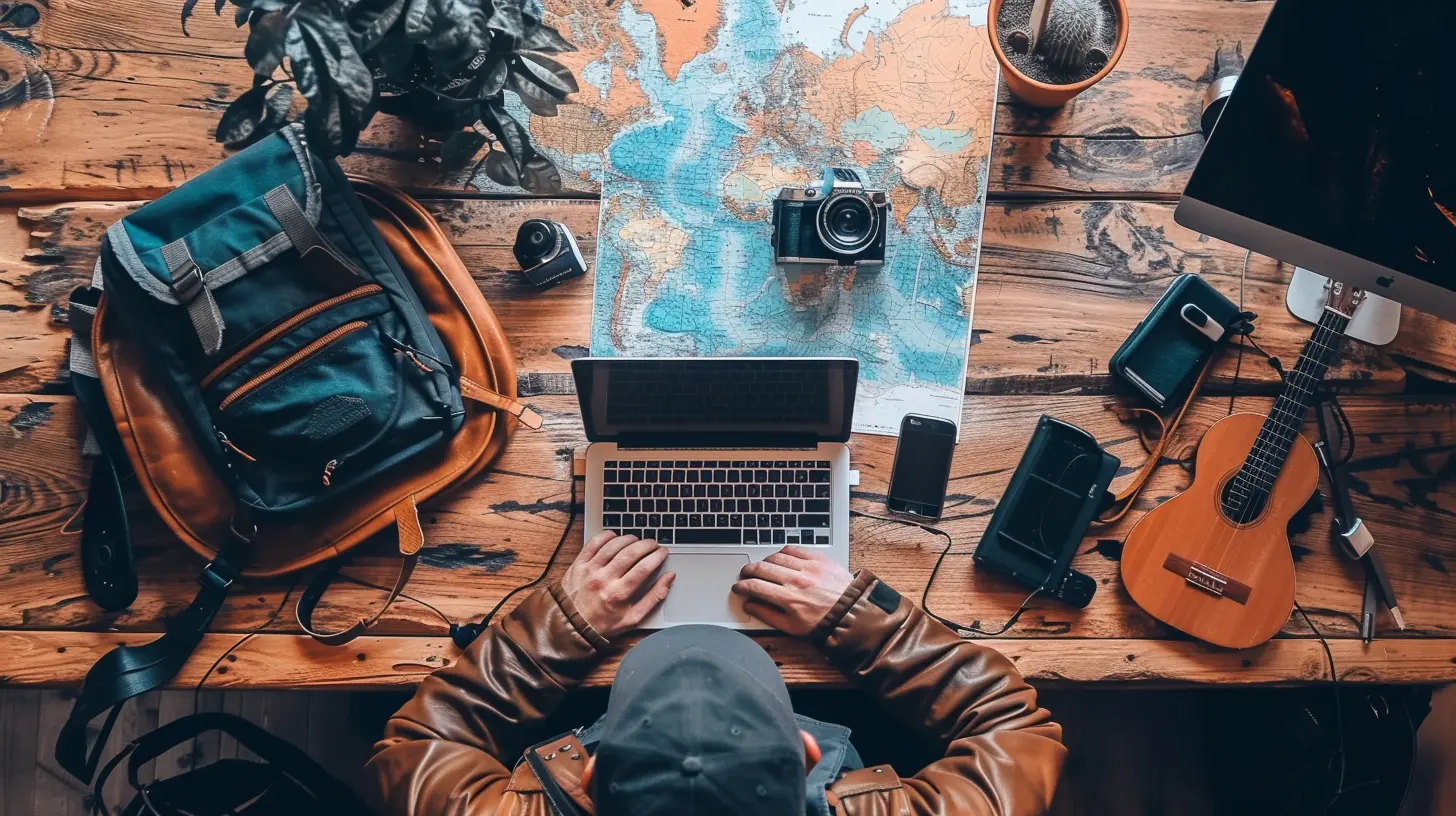
Why a Mobile Office?
Let’s be honest here—we’ve all dreamed of answering emails with our toes in the sand. But it's not just about the Instagram-worthy views. A mobile office gives you:- Flexibility: Work when and where you want.
- Freedom: Travel without sacrificing productivity.
- Efficiency: Get things done with a streamlined setup.
- Work-life balance: Combine business and pleasure seamlessly.
But to pull this off without driving yourself crazy or eating into your productivity, you need the right tools and setup.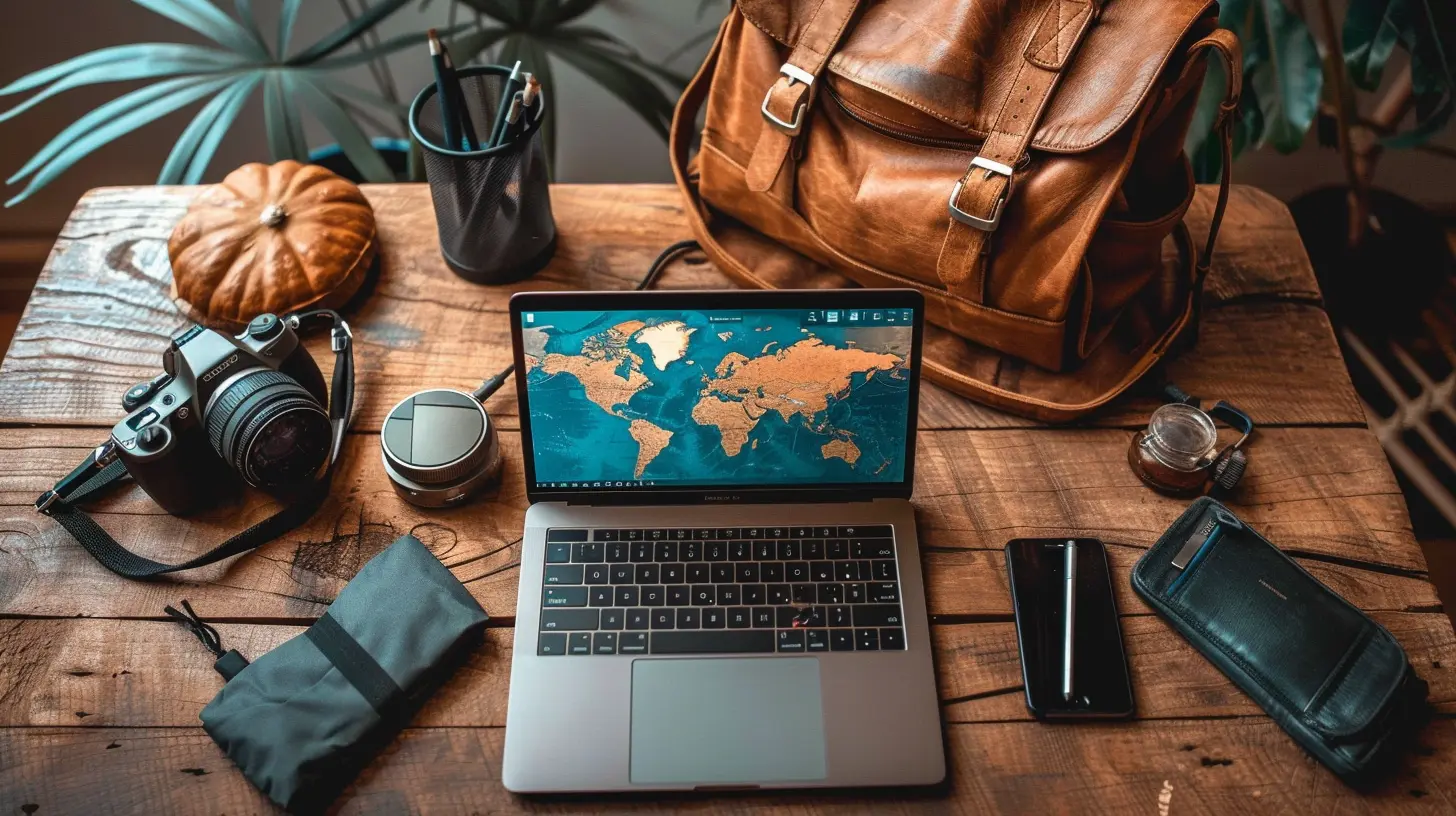
The Essentials: Gearing Up Your Mobile Office
Think of your mobile office gear like a travel-friendly version of Batman's utility belt—compact, powerful, and always ready for action. Let’s break down what you'll need.1. The Heart of It All: A Lightweight Laptop
Let’s start with the obvious—your laptop. This is your command center. But not every laptop is up to the task of being hauled across continents. You need something that’s:- Lightweight (under 3 lbs is ideal)
- Powerful enough to handle your workload (think multiple browser tabs, video calls, editing software)
- Long battery life (8+ hours at least)
- Durable and compact
Top picks: MacBook Air M2, Dell XPS 13, Lenovo ThinkPad X1 Carbon.
Bonus tip: Always keep your OS and apps updated before you hit the road. Nothing worse than system updates hijacking your productivity mid-flight.
2. Reliable Internet: Your Lifeline on the Road
What’s a mobile office without a stable connection? It’s like having a sports car with no gas.Here are your best bets:
- Portable Wi-Fi Hotspot: These babies connect to cellular networks and give you your own internet bubble. Look for unlocked models so you can use local SIMs around the world.
- SIM Cards with Data Plans: When you’re in a new country, grab a local SIM. Cheaper and often faster.
- VPN: Protect your data from snoopers at coffee shops and airports.
Pro tip: Download offline versions of key work documents just in case. Because tech fails. It’s just a matter of when.
3. Noise-Canceling Headphones: Your Personal Productivity Bubble
Working from a noisy hostel or crowded airport? Enter: noise-canceling headphones. They block out distractions and keep you focused—even when a mariachi band strolls into your co-working space.Look for:
- Active noise-cancellation (ANC)
- Comfortable fit for long work sessions
- Good mic for calls
Top picks: Sony WH-1000XM5, Bose 700, Apple AirPods Max.
4. A Travel Monitor: Double Your Screen, Double Your Output
If you’re used to working with two screens, going back to one can feel like driving through fog with one headlight.That’s where travel monitors come in. Thin, light, and USB-powered, they slip right into your bag and give you back that glorious screen real estate.
Top picks:
- ASUS ZenScreen
- AOC 16T2
- Mobile Pixels Duex Plus
5. Portable Charger & Power Bank: Keep the Juice Flowing
You don’t want your laptop or phone dying mid-Zoom call. So, a high-capacity power bank (think 20,000mAh or more) is non-negotiable.Look for:
- USB-C PD (Power Delivery) for fast charging
- Multiple output ports
- Airline-safe rating
Oh, and don't forget a universal adapter. Different countries = different plugs. A good adapter saves your skin and your sockets.
6. Compact Tech Organizer: Tame the Cable Jungle
Cables, chargers, dongles—oh my! If you’ve ever opened your bag to find headphones wrapped around your toothbrush, you need a tech organizer.Choose one with multiple compartments for:
- Charging cables
- External drives
- SD cards
- USB hubs
It’ll keep your gear easy to find and your sanity intact.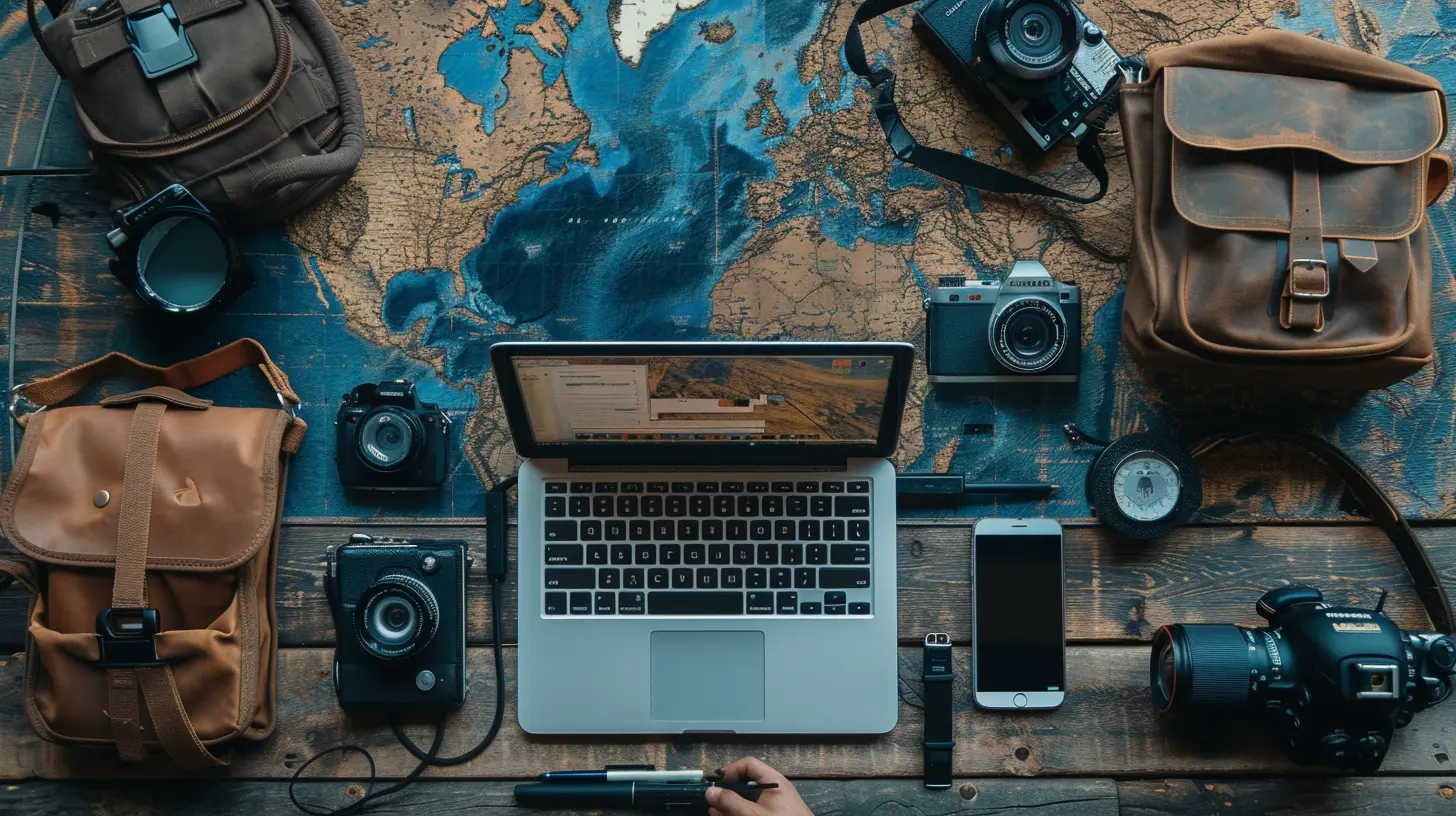
Must-Have Software for a Seamless Mobile Office
Now that you’ve packed your hardware, it’s time to load up on the software that’ll help you work like a boss from anywhere.1. Cloud Storage: Your Digital Filing Cabinet
Gone are the days of emailing files to yourself. Cloud storage lets you access everything from anywhere.Best options:
- Google Drive (great for collaboration)
- Dropbox
- OneDrive
2. Communication & Collaboration Tools
Need to stay in touch with the team? These apps have your back:- Slack: For quick chats and team updates
- Zoom or Google Meet: For video calls
- Notion or Trello: For task management
3. VPN & Security Tools: Don’t Get Hacked on a Hammock
Work from public Wi-Fi and you’re basically inviting hackers to your digital pool party.Use:
- VPN: Encrypts your connection
- Password Manager (e.g., LastPass, 1Password): Stores all your passwords securely
- Antivirus Software: Still a good idea. Just sayin'.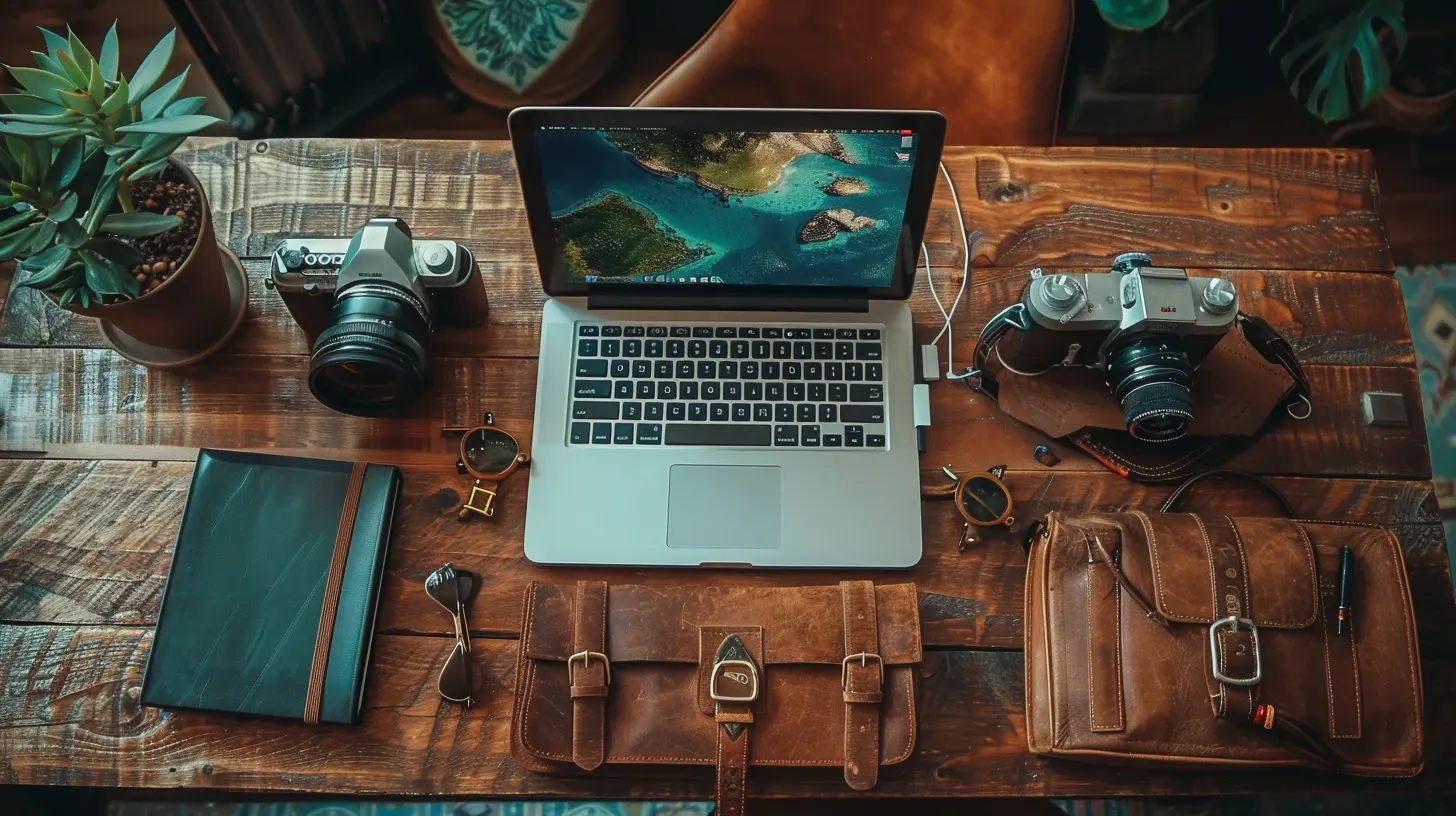
Ergonomics on the Go: Because Your Back Deserves Better
Sure, you’re mobile—but that doesn’t mean you should be hunched over like Quasimodo.1. Laptop Stand
Keeps your laptop eye-level so your neck doesn’t hate you.Lightweight options that fold flat are ideal. Try the Roost or Nexstand.
2. External Keyboard and Mouse
Pair your laptop stand with a Bluetooth keyboard and mouse or trackpad.Bonus: Feels more like a traditional desk setup, which boosts speed and comfort.
Choose Your Work Environment Wisely
Just because you can work anywhere doesn’t mean you should. The environment makes a big difference in productivity.Here’s what to look for:
- Strong Wi-Fi
- Quiet space (noise-canceling headphones help)
- Comfortable seating
- Access to power outlets
- Minimal distractions
Top picks:
- Co-working spaces
- Quiet coffee shops
- Libraries
- Hotel business centers
Sometimes, a comfy hotel bed looks inviting but working from it rarely ends well. Your spine will tell you.
Packing Tips for Your Mobile Office
Here’s how to keep your mobile office lean, mean, and airport security-friendly.- Go minimal: Only pack what you use daily.
- Use packing cubes: Separate clothes from tech gear.
- Keep tech gear in your carry-on: Lost luggage shouldn’t end your work week.
- Scan documents: Use apps like CamScanner or Adobe Scan to digitize paperwork.
And don’t forget noise-canceling earbuds, a microfiber cloth for cleaning screens, and some cable ties to keep cords tidy.
Staying Productive and Balanced
Your setup is ready—but working on the go has its challenges too.Some quick tips:
- Stick to a schedule: Your future self will thank you.
- Take breaks: Yes, even in paradise.
- Set boundaries: Just because you’re online doesn’t mean you’re always available.
- Embrace flexibility: Things won’t always go to plan. That’s part of the magic.
Final Thoughts: Work From Anywhere, Thrive Everywhere
Creating a mobile office with travel-friendly gear isn’t just about fancy gadgets or trendy destinations. It’s about designing a lifestyle that works for you—whether that’s working from a beach hut in Thailand or a cozy café in the Alps.With the right gear, a bit of planning, and the drive to stay productive no matter where life takes you, you can truly unleash the power of working from anywhere.
So, are you ready to break free from the boundaries of four beige walls?
Pack your bag. Power up. The world is your office now.
all images in this post were generated using AI tools
Category:
Travel GadgetsAuthor:

Michael Robinson