How to Shoot in RAW Format and Why It Matters
30 June 2026
Alright, photography fans, buckle up because we're about to take a deep dive into the magical world of RAW! Nope, I’m not talking about sushi or WWE wrestling. I’m talking about the RAW image format—your camera's secret weapon that separates the casual shooters from the pixel peepers.
Whether you’re rocking a fancy DSLR, a sleek mirrorless camera, or a smartphone with more lenses than my grandma’s glasses case, knowing how and why to shoot in RAW can be a total game-changer for your photos.
So grab your favorite beverage, sit back, and let’s unravel the mystery of RAW photography. Don’t worry, I promise not to geek out too hard.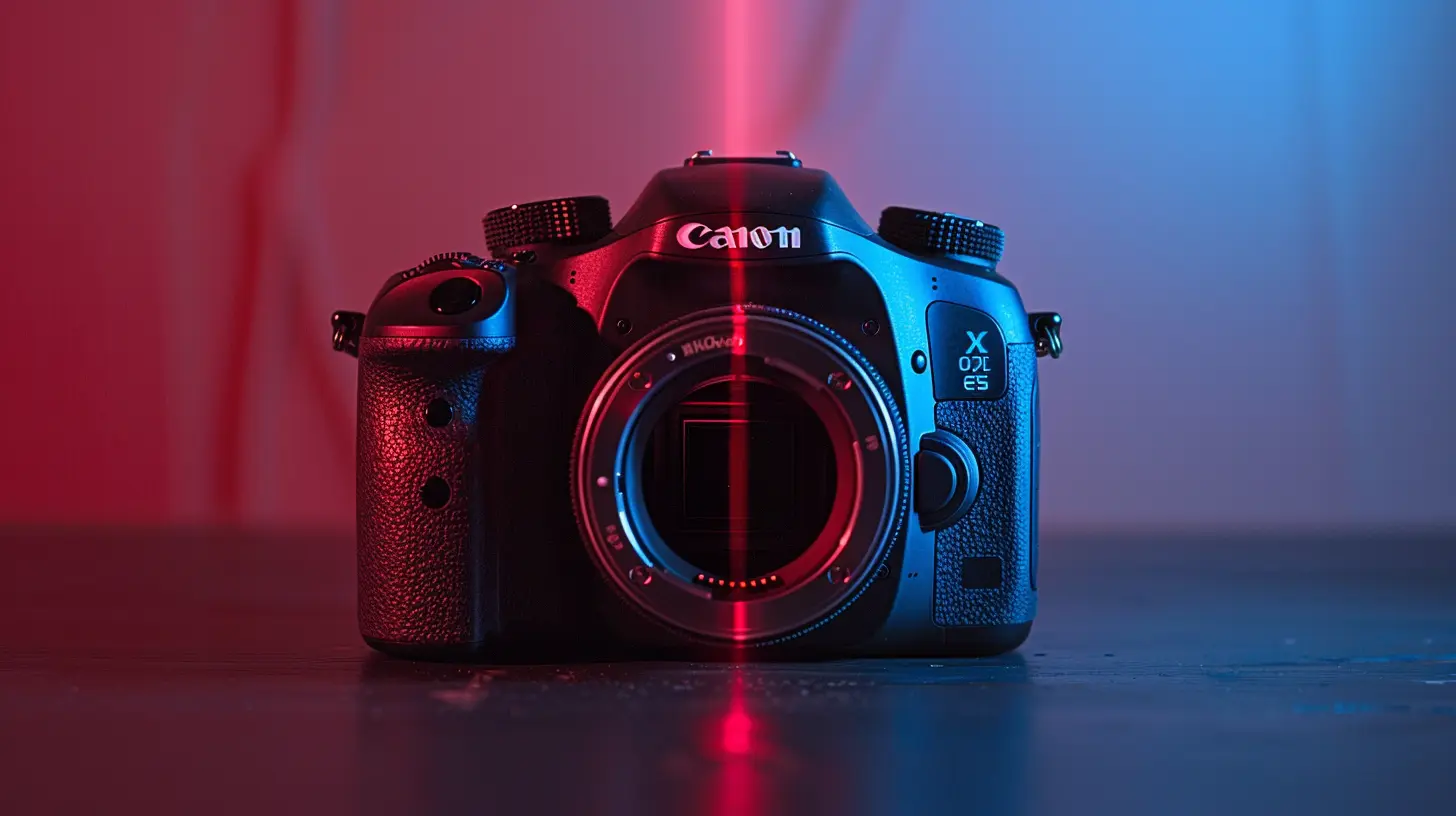
? What is RAW Format Anyway?
Okay, imagine baking a cake with a cake mix (JPEG) versus starting from scratch with flour, eggs, and butter (RAW). That cake mix might get you a tasty result quicker, but you lose a lot of flexibility. RAW gives you all the ingredients, untouched, so you can tweak the flavor, frosting, and sprinkles after baking.In camera-speak, a RAW file is an uncompressed, unprocessed image file that captures all the data the camera sensor sees when you snap a photo. JPEG, on the other hand, is essentially cooked—pre-processed, compressed, and, well, limited.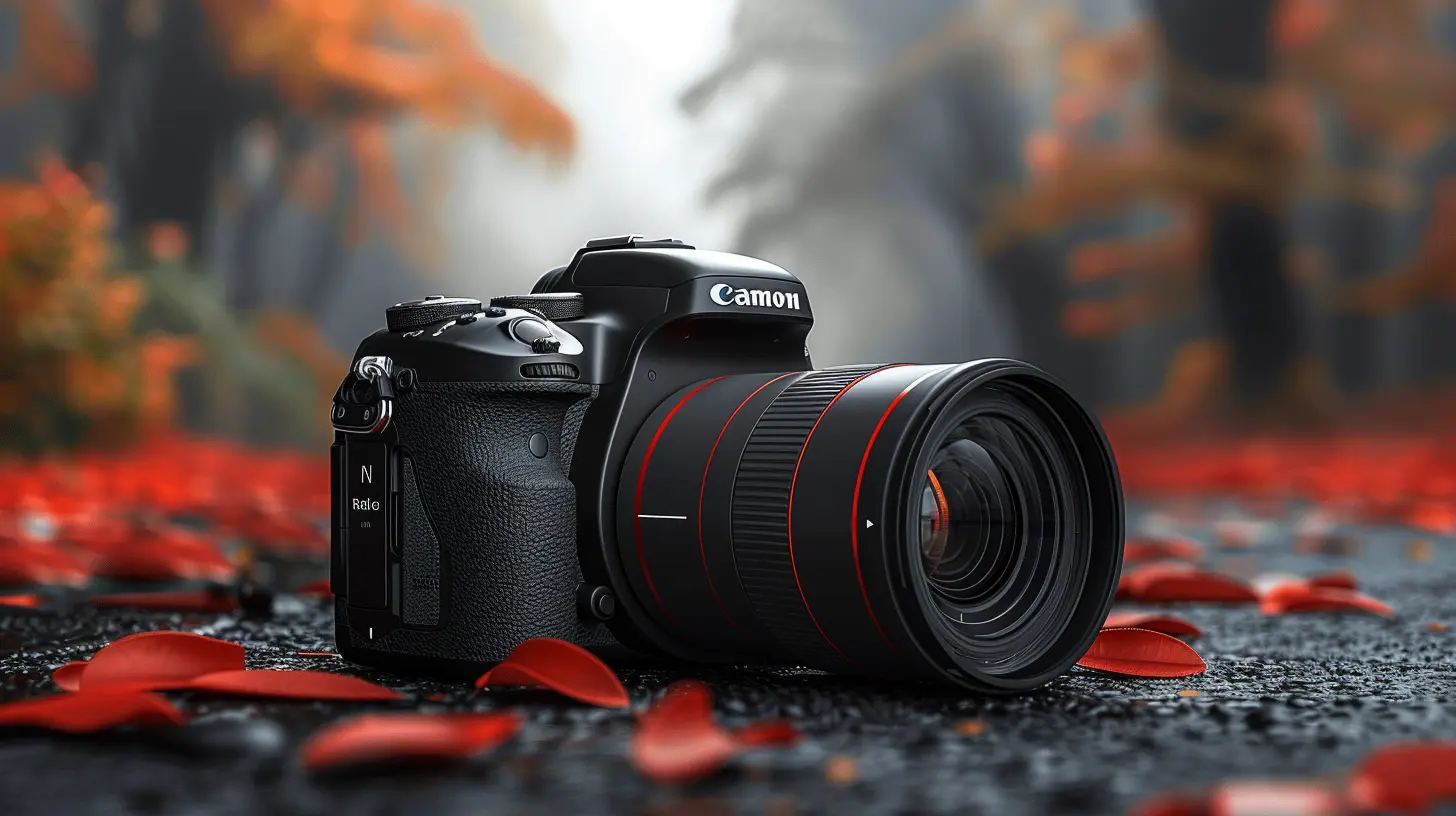
? Why Should You Even Care About Shooting in RAW?
Glad you asked! Shooting in RAW isn't just something photography snobs do to feel superior. It offers real, tangible benefits that can elevate your photos from “meh” to “whoa!”Let’s break it down:
1. More Editing Power
You know that moment when you snap a perfect shot, but the lighting’s just a bit off? RAW says, “No problem, I got you.”With JPEG, you’ve got limited wiggle room to fix exposure, white balance, or shadows. But RAW gives you complete control in post-processing. You can adjust exposure by several stops, recover blown-out highlights, or bring detail back into the shadows—without turning your image into a pixelated, noisy mess.
2. Better Dynamic Range
Dynamic range sounds fancy, but really, it’s about capturing both the super brights and super darks in one photo. RAW files store way more data for each pixel than JPEGs, which means they handle contrast like a champ.Ever tried to photograph a bright sky and ended up with a silhouette of your subject? RAW helps balance that out so you don’t have to choose between the sky and your subject. You can have your photo—and eat it too.
3. Non-Destructive Editing
Editing a JPEG is like writing in pen—it’s permanent. Once you tweak, compress, or save over it a few times, quality declines.But RAW? It’s like working with a whiteboard. All your edits are saved as instructions that don’t touch the original file. You can change your mind, experiment, or start over without any degradation. Photographer's regret? Gone.
4. Custom White Balance
Sometimes, auto white balance just doesn’t get it right—hello weird green indoor shots or orange outdoor fiascos.RAW files let you adjust white balance in post without ruining your image quality. JPEGs try to guess and bake it in permanently. It’s like locking in your clothing choice for a formal dinner without knowing the dress code. Risky.
5. Professional Results
If you’ve ever wondered why pro photos look crispy, vibrant, and rich in detail, RAW is a huge part of the equation. Pros shoot in RAW because it gives them full creative control and the highest quality images possible.
? So, How Do You Actually Shoot in RAW?
Now that you’re convinced (I know you are ?), let’s get practical. Shooting in RAW isn’t rocket science, and most modern cameras—even smartphones—support it.Step 1: Check Your Camera Settings
Every camera is different, but it usually goes something like this:- Go to your camera’s menu settings.
- Look for “Image Quality” or something similar.
- Choose RAW, or sometimes “RAW + JPEG” if you want both options.
Pro Tip: If you're new to RAW, shooting in RAW + JPEG lets you dip your toes in without fully committing. Use the JPEG for quick previews or sharing and the RAW file for serious edits.
Step 2: Get the Right Software
Here’s the catch: RAW files aren’t always viewable in your default photo viewer. You’ll need post-processing software to work with them.Popular choices include:
- Adobe Lightroom (fan favorite for a reason)
- Adobe Photoshop (also a beast, but more detailed)
- Capture One (pro-level control)
- Darktable or RawTherapee (free and open-source options)
These tools allow you to edit your RAW shots and export them as JPEGs when you’re ready to share your masterpieces.
Step 3: Prepare for Bigger Files
RAW files are chonky bois. A JPEG might be 3-5MB; a RAW file can easily be 25MB+. So make sure you’ve got enough storage—both memory cards and hard drives.It’s the price of quality, baby.
Step 4: Practice Editing
Shooting in RAW is really only half the story. The magic happens when you get cozy with sliders in Lightroom or your editing software of choice.Don’t be afraid to experiment! Tweak the exposure, play with contrast, pop the colors, or even go full black-and-white drama. You’ve got all the data to work with.
? Can You Shoot RAW on a Smartphone?
Heck yeah, you can!Most modern smartphones, especially flagships like iPhones and high-end Androids (like Samsung, Google Pixel, and OnePlus), now offer RAW shooting.
For iOS:
- Use the built-in Camera app (if you’re using ProRAW on iPhone 12 Pro and up)
- Or download third-party apps like Halide, ProCamera, or Lightroom Mobile
For Android:
- Check for Pro or Manual mode in the native camera app
- Or use apps like Camera FV-5, Manual Camera, or Adobe Lightroom Mobile
Shooting RAW on your phone can unlock pro-level photo quality, right in your pocket.
? RAW vs JPEG: The Showdown
Here’s a quick side-by-side for you folks who love a good chart:| Feature | RAW | JPEG |
|----------------------|-------------------------------------|--------------------------------|
| File Size | ? Large | ? Small |
| Image Quality | ? Highest | ? Compressed |
| Editing Flexibility | ? Full control | ?️ Limited |
| Ease of Sharing | ? Needs editing/export | ? Easy to share |
| White Balance | ✅ Adjustable in post | ❌ Baked-in |
| Ready Out of Camera | ❌ Needs editing | ✅ Immediately viewable |
| Use Case | ? Professionals, serious hobbyists | ? Casual shooting, quick posts|
? Common Myths About Shooting in RAW
Let’s bust a few myths while we’re at it:? “RAW isn’t worth it unless you’re a pro.”
Nah. Even casual shooters can benefit from RAW. You don't need a black turtleneck and a studio to take advantage of better image quality.? “RAW files look worse than JPEGs.”
Well, they can look flat at first. But that’s by design! They aren't processed yet, giving you the raw ingredients to cook up something epic. JPEGs are already “seasoned,” whether you like it or not.? “RAW files will fill my memory card too fast.”
They’re definitely bigger, but with modern storage options, this isn't the dealbreaker it used to be. Get a larger memory card, back up regularly, and you'll be golden.? Final Thoughts: To RAW or Not To RAW?
Look, if all you're doing is snapping pics of your cat with a coffee mug for your Instagram story—JPEG’s probably fine. Seriously.But if you want to create stunning images with vibrant colors, perfect exposure, and professional polish, shooting in RAW is the way to go. It’s like switching from instant ramen to grandma’s handmade lasagna. More effort? Sure. But so worth it.
So next time you head out with your camera or phone, give RAW a shot (pun very much intended). Your future self scrolling through your photo library will thank you.
Happy shooting, shutterbugs!
all images in this post were generated using AI tools
Category:
Digital CamerasAuthor:

Michael Robinson
Discussion
rate this article
1 comments
Sylph Montgomery
Shooting in RAW enhances image quality by capturing more detail and providing greater editing flexibility. It allows photographers to adjust exposure, white balance, and more without sacrificing quality, making it essential for serious creatives.
July 2, 2026 at 2:17 AM